
Hybrid Work
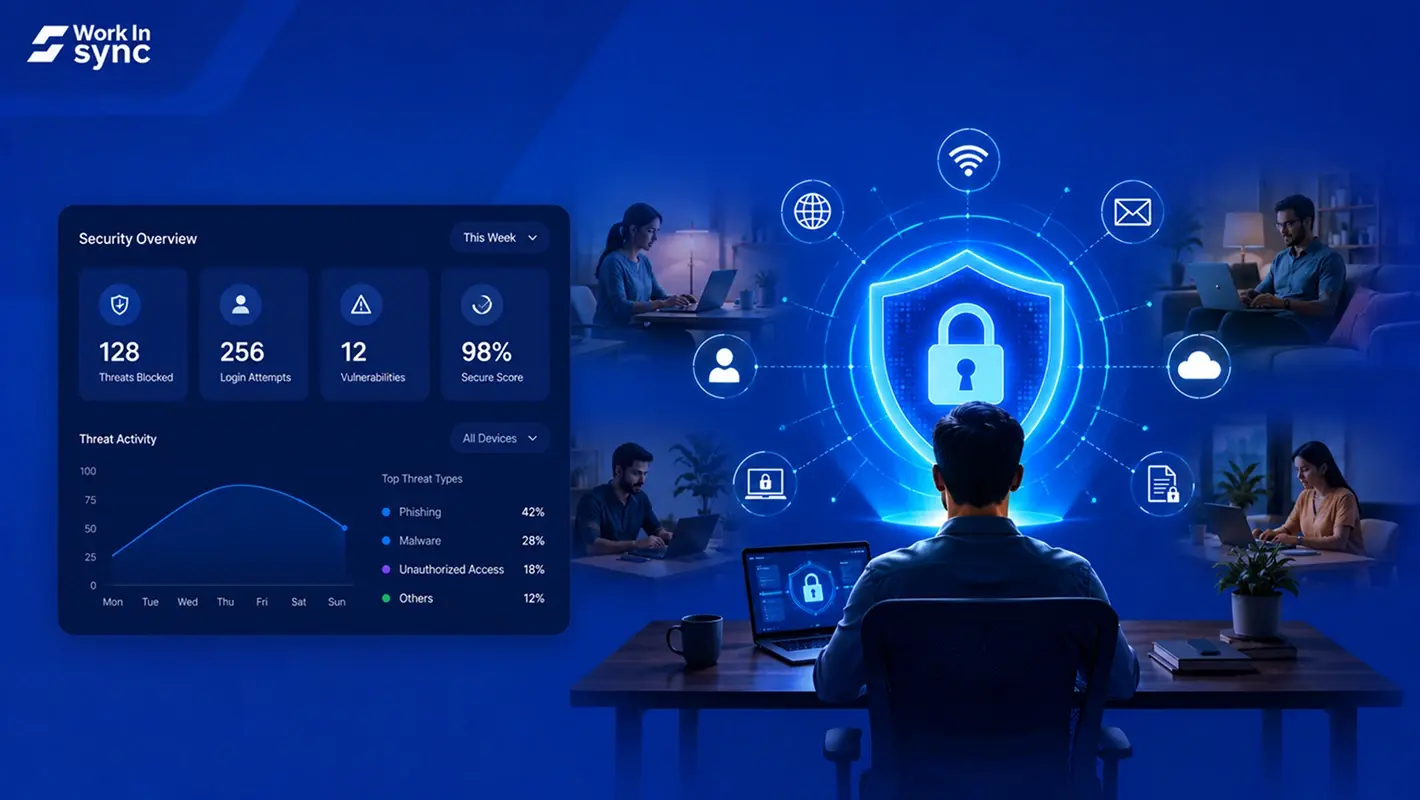
Cyber Threats in Hybrid Work: How To Stay Secure
Key Takeaways
Hybrid work expands security risks by introducing vulnerabilities across personal devices, home networks, and public spaces.
Remote access, weak passwords, and unpatched software make hybrid workplaces attractive targets for cybercriminals.
Common threats include phishing, malware, data breaches, and shadow IT, often worsened by inconsistent device and network security.
Multi-factor authentication and strong password policies are critical for securing access across cloud platforms and devices.
VPNs and Zero Trust models protect remote connections, offering encrypted tunnels and access only after continuous verification.
Regular employee cybersecurity training reduces human error, improving awareness of phishing, social engineering, and security best practices.
Endpoint protection tools secure remote devices, with antivirus, firewalls, app control, and remote wipe capabilities.
AI and automation detect anomalies faster, identifying unusual access patterns and preventing attacks across distributed networks.
Cloud security and encryption tools are essential, protecting data in transit and at rest in hybrid work environments.
Access should follow least-privilege principles, using role-based controls to limit exposure to sensitive business data.
Consistent monitoring via SIEM or NDR systems helps detect threats early and prevents full-scale security breaches.
A strong cybersecurity culture starts with clear communication, training, and leadership support for best practices across all teams.
Security policies should be reviewed and updated quarterly, adapting to evolving threats, tools, and hybrid work behavior.
The shift to hybrid work models has created new security challenges for businesses of all sizes. When employees split their time between home and office, cybersecurity vulnerabilities multiply across different networks, devices, and locations.
The Growing Cybersecurity Risks in Hybrid Workplaces
Hybrid work models have introduced significant vulnerabilities to corporate networks as employees toggle between office and home environments. Security perimeters have expanded dramatically, creating new attack vectors that cybercriminals are actively exploiting.
Why Hybrid Work Is a Target for Cybercriminals
Hybrid workplaces create an attractive landscape for hackers due to inconsistent security measures across different environments. When you work remotely, you’re likely using weak or recycled passwords that can be easily compromised. Personal devices often lack enterprise-grade protection, making them vulnerable entry points.
Home networks rarely match corporate security standards. Your router might have default settings or outdated firmware that creates security gaps. Criminals know that VPN connections can be forgotten or improperly configured when switching between locations.
The physical security differences between corporate and home environments also matter. Sensitive documents, unlocked screens, and overheard conversations present risks when working in public spaces or shared housing situations.
The Rise of Cyber Threats in Remote & Hybrid Work Environments
Phishing attacks specifically designed for remote workers
Malware targeting home networks
Man-in-the-middle attacks on unsecured Wi-Fi
Ransomware exploiting backup inconsistencies
One of the most challenging aspects is maintaining a secure IT environment across multiple locations. When you switch between office and home, security patches, updates, and protocols may be applied inconsistently.
Your personal devices can create shadow IT issues when they’re not properly incorporated into security policies but still access company resources.
Common Cybersecurity Challenges in a Hybrid Workplace
Hybrid workplaces face unique security threats that blend traditional office vulnerabilities with remote work risks. These challenges require specific strategies to protect sensitive data as employees move between work environments.
Increased Exposure Due to Remote Access
Remote work has dramatically expanded network access points, creating more opportunities for cyberattacks. Home networks, Public Wi-Fi networks pose particular dangers since employees operate from outside the protective perimeter of corporate firewalls and security systems.
Unsecured Personal Devices & Co-Working Spaces
The use of personal devices for work creates significant security gaps. Personal devices often lack enterprise-grade security features and may run outdated software with known vulnerabilities.
On the other hand co-working spaces present physical security concerns like shoulder surfing, theft of devices and malicious USB charging stations that can extract data.
Lack of Cybersecurity Awareness Among Employees
The human factor remains one of the most significant challenges in hybrid workplace security. Many employees don’t fully understand the security risks their actions create when working remotely.
The cyber attacks have become increasingly sophisticated, targeting remote workers who may be more vulnerable outside the office environment.
Risks of Cloud Storage & Data Breaches
The shift to hybrid work has accelerated cloud adoption, creating new data security challenges. When employees upload sensitive information to cloud platforms, they introduce new potential points of failure.
Increased use of cloud-based applications creates opportunities for data leakages.
How to Secure Your Hybrid Workplace Against Cyber Attacks
Protecting your hybrid workplace requires a layered security approach that combines technical solutions with employee awareness. The following strategies will help shield your organization from the most common vulnerabilities that threaten remote and office-based workers.
Implement a Strong Password Policy
Strong password policies form the foundation of your security strategy.
Use complex passwords
Change passwords every 60-90 days
Ban reuse and weak passwords
Use password managers
Enable Multi-Factor Authentication (MFA)
Multi-factor authentication adds a crucial layer of protection by requiring multiple verification methods. Even if passwords are compromised, attackers can’t access accounts without the secondary factor.
Implement MFA across all business applications, especially those containing sensitive data. Make MFA mandatory, not optional.
Secure Remote Access with VPNs & Zero Trust Networks
Remote access requires special security considerations. VPNs encrypt data transmitted between devices and networks, creating a secure tunnel for information.
Select a business-grade VPN solution rather than free consumer options. Business VPNs offer better encryption, dedicated IP addresses, and centralized management.
Consider implementing a Zero Trust security model. This approach verifies every user and device attempting to access resources, regardless of location.
Regular Cybersecurity Training for Employees
Human error remains the biggest security vulnerability in any organization. Implement ongoing security education programs that address current threats.
Conduct quarterly training sessions that cover:
Phishing and social engineering awareness
Safe browsing and data handling practices
Password and physical security training
Create clear security policies for hybrid work environments. Document expectations for both office and remote settings, ensuring consistency across locations.
Keep Software & Devices Updated
Outdated software harbors vulnerabilities that hackers actively exploit. Establish a rigorous update policy for all devices connecting to your network.
Deploy automatic updates whenever possible. This removes the human element from the patching process, ensuring critical security fixes are applied promptly.
Consider implementing mobile device management (MDM) solutions. These tools can enforce updates, remotely wipe lost devices, and ensure compliance with security policies.
Leverage Endpoint Security Solutions
Endpoint protection is crucial when devices connect from various locations. Implement robust endpoint security solutions that protect devices regardless of their location.
Essential endpoint security features include:
Advanced antivirus and firewalls
Application and device control
Data loss prevention tools
Monitor Network Activity & Identify Threats Early
Continuous monitoring allows you to spot unusual activities before they become full-blown breaches. Implement SIEM (Security Information and Event Management) systems to aggregate and analyze security data.
Set up alerts for suspicious activities such as:
Multiple failed login attempts
Access from unusual locations or times
Large data transfers
Installation of unauthorized software
Changes to system configurations
Restrict Access to Sensitive Business Data
Not every employee needs access to all data. Implement the principle of least privilege by restricting access based on job requirements.
Create role-based access control (RBAC) systems that:
Define clear access levels for different positions
Automatically adjust access privileges based on employee’s roles
The Role of Artificial Intelligence (AI) & Automation in Hybrid Workplace Security

Artificial Intelligence (AI) and automation technologies are transforming how organizations protect their hybrid workforces. These tools provide powerful capabilities that human security teams alone cannot match, especially when employees work from various locations on different networks.
How AI Enhances Threat Detection & Response
AI-enhanced cybersecurity tools can detect anomalies, prevent threats, and safeguard both remote and in-office work environments simultaneously. This capability is crucial when your team connects from multiple locations.
Machine learning algorithms continuously improve by analyzing vast amounts of data across your network. This enables them to recognize sophisticated attack patterns that traditional security might miss. For example, if an employee’s account suddenly accesses sensitive data from an unusual location, AI can flag this behavior instantly.
Using Automation for Proactive Security Monitoring
Automation strengthens your security posture by handling repetitive monitoring tasks with consistent precision. Network Detection and Response (NDR) systems automatically scan for threats across your distributed network, providing crucial visibility into both office and remote environments.
Proactive monitoring systems can automatically detect vulnerabilities before attackers exploit them. This shifts your security approach from reactive to preventative, significantly reducing your organization’s risk exposure in hybrid work settings.
Essential Cybersecurity Tools for a Hybrid Workplace

Protecting your organization in a hybrid work environment requires specific security tools designed for distributed teams.
Best Endpoint Security Solutions for Hybrid Teams
Endpoint Detection and Response (EDR) solutions are essential for protecting remote devices that connect to your corporate network. These tools monitor endpoints for suspicious activities and respond to threats in real-time.
Cloud Security & Encryption Tools
As hybrid workplaces rely heavily on cloud services, robust cloud security tools are non-negotiable. SASE (Secure Access Service Edge) solutions combine network security functions with WAN capabilities to support secure cloud access. End-to-end encryption tools protect data both in transit and at rest.
AI-Powered Threat Detection Systems
AI and machine learning capabilities have revolutionized threat detection for hybrid work environments. These systems analyze patterns to identify unusual behaviors that might indicate a security breach.
Steps to Implement a Cybersecurity-First Hybrid Work Model
Building a secure hybrid work environment requires deliberate planning, employee engagement, and the right technology investments.
Creating a Cybersecurity-First Culture
Your organization’s security posture begins with people, not technology. Start by developing clear communication about security expectations for all employees regardless of work location.
Hold regular training sessions focused on common threats like phishing attacks and social engineering. Make these interactive and scenario-based rather than lecture-style..
Investing in the Right Cybersecurity Technology
Select tools specifically designed for distributed workforce protection.
Multi-factor authentication (MFA) should be mandatory for all system access, regardless of location.
A robust Virtual Private Network (VPN) solution for secure remote connections
Deploy endpoint detection and response (EDR) software
Budget for regular security assessments by third-party experts to identify vulnerabilities in your hybrid setup.
Regularly Updating Policies & Best Practices
Develop clear, specific security protocols for both office and remote environments. These should address device usage, data handling, and incident response.
Review and update these policies quarterly to address emerging threats and changing work patterns. Involve both IT and non-technical stakeholders in these reviews.
Conclusion
Protecting your organization in a hybrid work model requires a deliberate security strategy. Robust security policies and advanced threat detection form the foundation of effective protection.
Remember that security is never “finished.” Cyber threats evolve constantly, requiring your security practices to adapt accordingly.
With the right combination of technology, policies, and training, you can maintain strong security while enjoying the benefits of hybrid work models.








Download Our App



 MoveInSync 2026, All rights reserved