
 Workplace Management
24 September 2026
Best Workplace Management Software in 2026: 6 Tools Compared
Compare six workplace management platforms. See what each is suited for and how to choose the right fit in 2026.

Deesha
|
4 Min Read
Read More

Key Takeaways
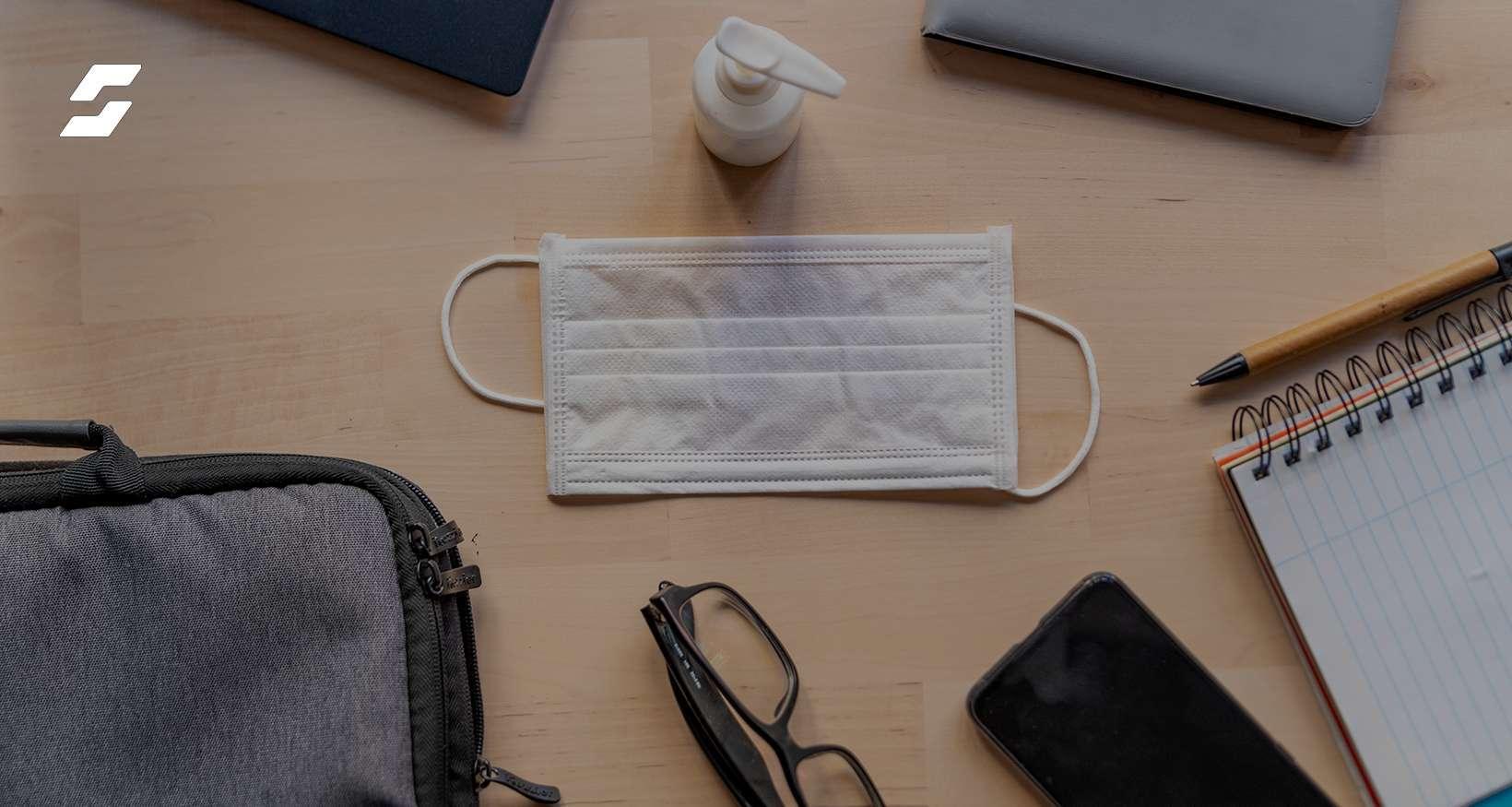
Pandemic-driven safety concerns mean companies must redesign workplaces before bringing employees back on-site.
Contactless Access Management: Automates check-ins with QR codes and health questionnaires, reducing crowding and enabling digital contact tracing.
Mask Compliance & Temperature Checks: OSHA mandates mask usage; automation with detectors and IR thermometers ensures compliance without overloading staff.
Contact Tracing Tools: Tracks employee movements via digital passes, enabling swift alerts, targeted cleaning, and synchronized evacuation protocols.
Desk Booking Solutions: Allows advance desk reservations aligned with distancing norms, preventing unsafe hot desking and aiding sanitization schedules.
Tools not only boost employee confidence but also streamline safety compliance and operational efficiency in hybrid workplaces.
WorkInSync offers an integrated suite combining all four safety tools for a seamless, tech-powered return to office.
Employee safety has become essential for all organizations that are planning to return to the office. But how to ensure employee safety? Well, you need a comprehensive set of tools. This blog explores the employee safety you can adopt to plan your return to office strategy.
It’s no secret that the pandemic has upended the old ways of the professional sphere. In a few short months, organizations switched from 9-5 work schedules to rebuilding their employee safety management structure from scratch. With the vaccination drive on at full force, executives across organizations are planning employees’ return to office.
With employees returning to office, safety remains a matter of concern.
In a recent McKinsey survey, 49% of respondents anticipated significant adverse effects if they returned to an in-office setting. Contracting the virus on-site and transmitting the disease to friends and family members were two crucial concerns.
Ultimately, employee safety and workforce readiness are primary concerns for companies opening their doors for employees again. These include ensuring the work environment is safe, and all safety protocols and mandates are followed.
To alleviate these concerns, organizations must revamp their ways of work. This might involve instating strict mask compliance mandates, physical distancing protocols, temperature checks, and so on. Companies might even have to introduce staggered work timings to reduce workplace congestion. They can use digital tools to streamline processes and ensure employee safety.
Here’s a list of four employee safety tools and their uses in the new normal at the workplace.
Company lobbies are usually closed, congested spaces, owing to the high waiting times during employee check-ins. What used to be an inconvenience in a pre-Covid-19 world is a significant employee safety hazard today.
While mandating physical distancing reduces the risk of contracting the virus, a contactless system expedites the entire process. It automates the entry process, reduces human interaction between the front-desk staff, and ultimately boosts employee safety.
Using a contactless access software, you can send health questionnaires that include questions about a recent diagnosis, fever, or other COVID-19-symptoms. Sending this to employees before they return to office can help identify potential risks, allowing the organization to take appropriate steps. Such a system will help you create and update a digital log for company employees with their details. You can use this information for contact tracing.
Bonus Read: How to Reopen Offices Safely
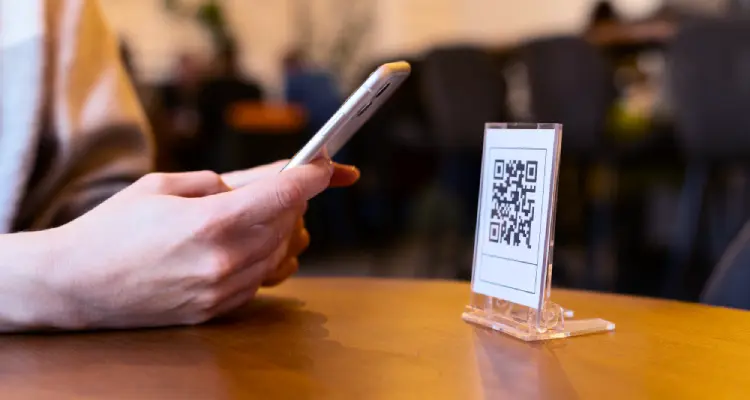
Similarly, your company can use QR code scanning to grant employee access at check-in. They can also get access to meeting rooms, making the processes entirely contactless.
Here, a Digi-pass can be issued to workers on successful check-in that can double as an employee attendance receipt.
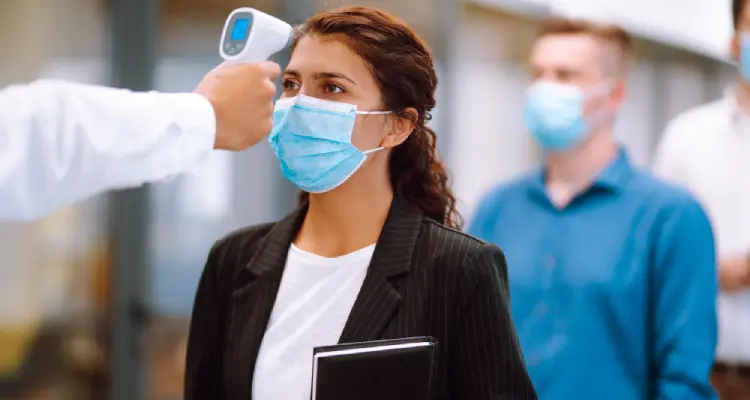
The OSHA regulations (Occupational Safety and Health Administration) mandates wearing of a mask in public indoor settings such as offices. Thereby, organizations have mandated wearing masks. They are carrying out temperature checks routinely alongside. To protect against Covid-19, employing these measures help boost safe workplace.

It may not be feasible for your front desk employees to monitor mask compliance and record the temperature for every employee. A convenient way to raise employee safety levels is by streamlining the process with an automated mask detector. You can also install an IR thermometer at the entrance or kiosk.
Also Read: How to Follow Face Mask Compliance
The symptoms of Covid-19 might take time to show. However, a carrier can still spread the virus. Installing a contact tracing solution is one way to stop the spread of the virus. Moreover, it can ensure employee safety.
When you are notified of an employee that has contracted Covid-19, the first line of action is ensuring they are quarantined. The next step requires you to track everyone they have been in contact with inside the company.
If your company employs digital passes for each entrance, the movements of your employees are time-stamped by location. This data is then used for contact tracing.
You can curb the virus by either notifying the contacts, or decontaminate the exposed surface. As a facility manager, you can ensure that contact tracing systems synchronize office evacuation protocols. This means, as soon as an employee leaves their workstation, you can approve the sanitization process.
Manually reserving desks is cumbersome due to the long waiting time and frequently moving around to find the right spot. In the times of Covid-19-induced physical distancing, hot desking can be a threat to employee safety.
Bonus Read: What is a Desk Booking Software
That is why companies are turning to desk booking solutions. They are automating reservations and facilitating employee safety measures within workspaces.
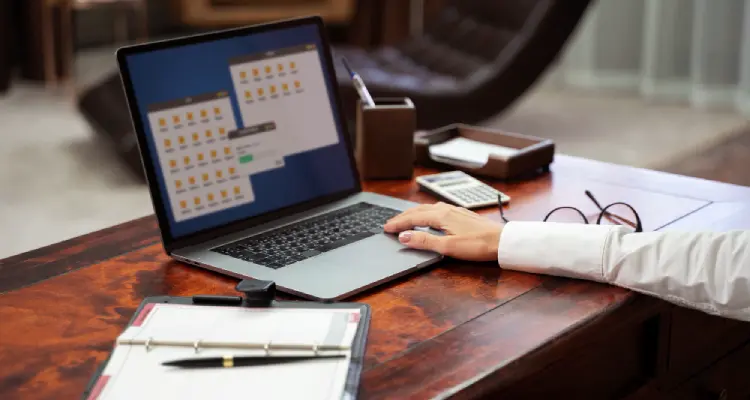
Hot desking were a norm in pre-Covid-19 times. Typically these involved waiting for one person to leave and immediately occupying the space. Since the Covid-19 virus can remain active on surfaces long after an infected person leaves the area, it isn’t feasible anymore.
A desk booking software allows workers to book a desk of their choice in advance. Besides, nowadays, the solutions are backed with detailed floor plans of office desks available in compliance with distancing norms. Thus, employee safety is maintained as employees can only book desks more than six feet apart, unoccupied, and sanitized.
Desk booking also makes the sanitization of office spaces more convenient. It can lock the time between two occupancies and highlight when a desk is empty. Additionally, this helps the staff in better space utilization.
Return to office looks radically different for each organization. Employers are continually tapping into technology to support employees’ safety concerns and the need for working flexibly.
With WorkInSync, your organization can deploy an exclusive suite of employee safety tools. This includes contactless access management, QR code check-in, mask compliance detector, temperature checks kiosks, desk booking platform, and more.
Subscribe to our blogs and stay updated with the latest return to office and employee safety trends.
 Workplace Management
24 September 2026
Compare six workplace management platforms. See what each is suited for and how to choose the right fit in 2026.
Deesha
|
4 Min Read
Read More
 Announcement
13 August 2026
WorkInSync has been recognized by Info-Tech Research Group as a Champion in the 2026 Data Quadrant for Space Management, ranking #2, and as a Champion in the Emotional Footprint, ranking #2. Both awards are published on SoftwareReviews, Info-Tech's ratings platform, where rankings are built entirely from user feedback.

Sai Riddi
|
2 Min Read
Read More
 Desk Booking Software
5 June 2026
Let’s not pretend otherwise. Somewhere in your organization, a well-meaning IT or facilities team rolled out a desk booking system. There was a demo. Someone said “seamless.” There may have been a slide with the word “frictionless” on it. Leadership nodded. Procurement signed off. And then employees quietly went back to texting each other on […]

Ujjwal Trivedi
|
6 Min Read
Read More