
 Workplace Management
24 September 2026
Best Workplace Management Software in 2026: 6 Tools Compared
Compare six workplace management platforms. See what each is suited for and how to choose the right fit in 2026.

Deesha
|
4 Min Read
Read More

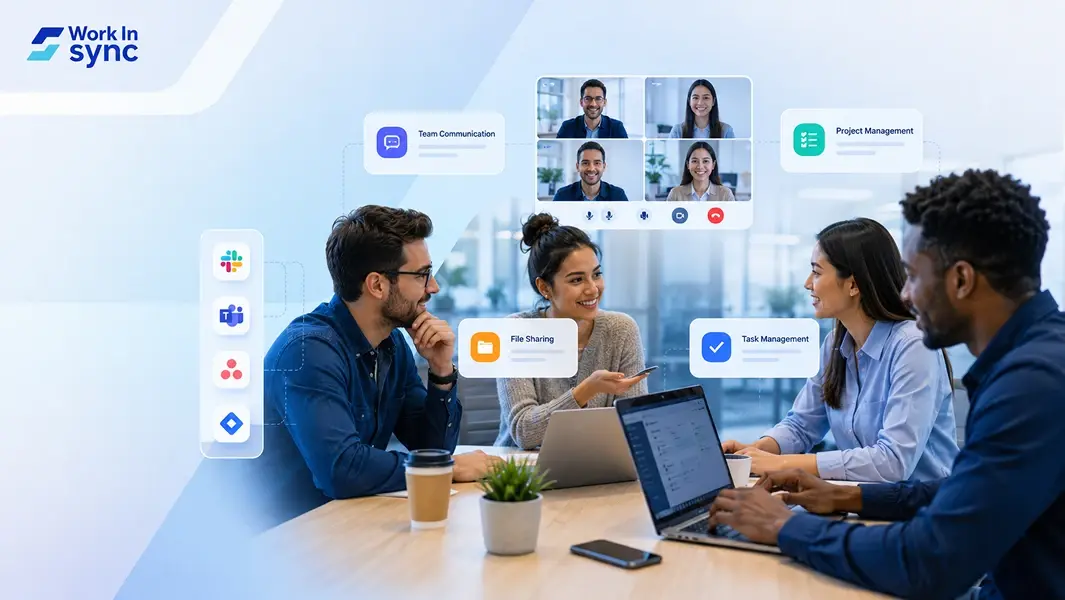
Effective collaboration is essential for any modern workplace, especially as teams become more distributed and projects grow in complexity. You need the right tools to keep communication clear, tasks organized, and progress visible. Workplace collaboration tools, including team communication software, project management platforms, and remote work collaboration tools, help you streamline workflows and improve productivity across your team.
Choosing the right solution depends on your specific needs, whether you want to simplify messaging, track project milestones, or support remote collaboration seamlessly. These tools provide a centralized way to manage your work and ensure everyone stays aligned, no matter where they are.
Understanding how these platforms work together will help you create a more connected and efficient work environment. This guide will walk you through the key types of collaboration tools and how they can support your team’s success.
Workplace collaboration tools enable you to communicate, share information, and manage tasks efficiently within your team. They combine several functions like messaging, file sharing, and project coordination, streamlining how work gets done in real-time or asynchronously.
These tools play a vital role in keeping your projects on track and ensuring everyone stays aligned regardless of location or time zone.
Workplace collaboration tools are software and platforms designed to help teams work together seamlessly. They include features like group chat, video conferencing, shared calendars, and cloud storage.
You can use these tools to enhance communication, simplify task assignments, and centralize files. This way, your team has immediate access to the information and resources they need without repetitive emails or disconnected apps.
Types of collaboration tools you might use include workplace management solution, project management platforms, team communication software, and document collaboration apps.
With the rise of hybrid and remote work models, collaboration tools have become essential to maintaining team cohesion. You no longer rely on face-to-face meetings and physical documents; instead, digital platforms keep your team connected across different locations.
Many tools now integrate video calls, instant messaging, and task boards into one interface, which eases transitions between in-office and remote work.
This evolution has driven increased demand for flexible, cloud-based collaborative tools that support various workflows and work styles, accommodating both synchronous and asynchronous communication.
Using collaboration tools improves your productivity by reducing bottlenecks in communication and project tracking. They help you monitor progress in real time, assign priorities, and avoid task duplication.
These tools also support knowledge sharing across your organization, keeping expertise accessible and reducing dependency on individual team members.
By adopting the right tools, you can streamline project management, speed up decision-making, and improve overall efficiency in your workplace. This makes collaboration tools indispensable for businesses aiming to stay competitive and agile.
Workplace collaboration tools enhance how you communicate, manage tasks, and share information across your team. These tools improve efficiency, increase transparency, and support seamless teamwork, especially for remote or cross-departmental projects.
Collaboration tools provide multiple communication channels, such as instant messaging, video calls, and group chats, keeping your team connected regardless of location. They reduce delays caused by email threads and promote quick, clear exchanges of information.
You can centralize conversations by topic or project, which prevents miscommunication and helps you track decisions easily. This leads to faster issue resolution and more consistent communication patterns. Improved communication boosts your overall team productivity and collaboration.
With project management platforms, you gain tools to assign tasks, set deadlines, and monitor progress in a single interface. This reduces the risk of overlapping work or missed deadlines, giving you greater control over project timelines.
Automation features help streamline repetitive tasks, allowing you to focus on high-priority work. Visual tools like Gantt charts or kanban boards provide a clear overview of workflow, making it easier for you to identify bottlenecks and adjust resources accordingly.
Collaboration tools enable real-time editing and sharing of documents, spreadsheets, and presentations. This means you and your team can work simultaneously on projects without version conflicts or delays in feedback.
You can break down silos by connecting different departments instantly. This fosters teamwork and accelerates decision-making processes since everyone works from the latest updates at the same time. Real-time collaboration improves your ability to respond to changing demands quickly.
These tools make task assignments and progress visible to all relevant team members. You can track who is responsible for what and monitor deadlines, ensuring accountability throughout the project lifecycle.
Transparent workflows also encourage open communication and reduce misunderstandings about roles or expectations. You benefit from data-driven insights that highlight performance trends and help in managing resources effectively.
Collaboration platforms offer secure file sharing with encryption and controlled access. You can share sensitive information confidently, knowing it’s protected against unauthorized access.
Version control and audit trails ensure your files remain intact, and changes are documented. These security features help maintain compliance with company policies and external regulations, protecting your team’s data integrity.
Workplace collaboration tools cover a broad range of functions, from communication to task tracking and workflow automation. Each tool type targets specific needs in teamwork, helping you improve efficiency and keep projects on track.
Workplace management tools assist with office space booking, visitor management, parking management, and hybrid scheduling. WorkInSync helps you manage your entire workplace with an all-in-one application. An AI-driven platform with deep analytics and smart insights, you can truly transform your workplace into a strategic asset with WorkInSync.
Communication tools focus on instant messaging, video conferencing, and virtual meetings. Slack and Microsoft Teams provide channels for group chats, direct messaging, and integration with other apps to keep conversations organized.
Zoom and Google Meet specialize in video calls and screen sharing, essential for remote meetings. These tools support real-time collaboration and reduce reliance on email, speeding up decision-making and keeping your team connected.
Project management software helps you organize tasks and track progress. Platforms like Asana, Trello, and Monday.com use boards, lists, and calendars for visual task management and easy assignment.
Jira focuses on software development projects with advanced features like sprint planning and bug tracking. These platforms provide Gantt charts, task tracking, and project tracking to ensure deadlines are met and workloads balanced.
File sharing and cloud storage tools let you store, access, and manage documents in a shared workspace. Google Drive integrates with Google Workspace apps, allowing simultaneous editing and version control.
Dropbox and OneDrive offer secure file management with offline access and synchronization across devices. These tools reduce email attachments and make document management seamless across your team.
Virtual whiteboards support brainstorming and visual collaboration. Miro, MURAL, and FigJam provide online whiteboards where you can create mind maps, flowcharts, and diagrams together.
They allow your team to collaborate in real-time or asynchronously, boosting creativity and idea sharing during meetings and workshops. These tools integrate with other collaboration apps for seamless workflows.
Workflow automation connects your tools to streamline repetitive tasks. Zapier enables you to link apps and automate actions without coding, saving time on manual work.
Notion combines note-taking, databases, and project management in one workspace, while Airtable offers flexible spreadsheet-database hybrids for managing complex workflows. These platforms help you standardize processes and centralize information.
Selecting the right collaboration tool requires a clear understanding of how your team works, the specific features you need, and how the tool fits within your existing systems. You must consider ease of use, security, and how the tool supports productivity without adding complexity or risk.
Start by assessing your team’s size, structure, and typical workflows. Small businesses and small teams often need simple, flexible tools that streamline communication without overwhelming features. Consider whether your team prioritizes real-time messaging, file sharing, task management, or a combination of these.
Work-life balance is important, so look for tools that reduce unnecessary notifications and support asynchronous work. Ask yourself if your team is fully remote, hybrid, or onsite. This will affect whether you need strong video conferencing or mobile accessibility.
Different tools offer a range of features like chat, video calls, task assignment, and file collaboration. List the must-have features your team uses daily and those that will boost creativity and productivity.
Integration with existing software is crucial; choose platforms that connect smoothly with your email, calendar, cloud storage, and project management apps. For example, if you use Team or Google Calendar pick a workplace management solution like WorkInSync that integrates well with them to avoid switching between multiple apps.
The best tool is one your entire team will use regularly. Test user interfaces for clarity and ease of navigation. Tools with steep learning curves can hinder adoption.
Accessibility across devices matters. Your team should access the platform on desktops, smartphones, and tablets with consistent performance. Features like offline access or mobile notifications can maintain productivity, especially for remote or hybrid teams managing work-life balance.
Security should align with your business’s sensitivity level. Look for end-to-end encryption, data control options, and compliance with industry standards relevant to your sector.
For small businesses handling client data or financial information, confirming that collaboration tools comply with regulations like GDPR or HIPAA is critical. Check the vendor’s update policy and backup procedures to protect against data loss.
Before committing, use free trials or pilot versions to evaluate fit. Engage your team in testing to gather feedback on usability and feature effectiveness.
Track how the tool performs under real conditions, including communication speed, file sharing reliability, and how well integrations function. Check if support is responsive and helpful during this phase, which can be a factor when problems arise later.
Testing ensures your final choice enhances team communication and project management without creating hidden obstacles.
Workplace collaboration tools are evolving rapidly, driven by advances in technology and changing work models like hybrid and remote work. You will encounter more intelligent automation capabilities, immersive virtual environments, and stronger security measures designed to protect your distributed team’s data and workflows.
AI is transforming how you manage workplaces, tasks and communicate within your team. Automated scheduling, smart task prioritization, and AI-generated meeting summaries save time and reduce manual effort. These tools analyze your work patterns and suggest optimal workflows tailored to your team’s needs.
In remote work environments, AI helps bridge communication gaps by providing real-time language translation and sentiment analysis. This enhances understanding across diverse distributed teams, improving overall collaboration.
Automation also extends to repetitive processes like approval workflows and data entry. Integrating AI with your project management platforms boosts efficiency while freeing your team to focus on higher-value work.
Virtual and augmented reality are reshaping collaboration by creating immersive spaces where remote teams can interact as if they share a physical office. You can hold meetings in customizable virtual rooms and collaborate around 3D models or shared documents in real time.
For hybrid work settings, these virtual spaces reduce isolation and improve engagement, simulating face-to-face interactions that are harder to replicate over standard video calls.
These technologies support complex workflows where visualizations matter, such as design reviews or training sessions. As hardware becomes more accessible, expect VR and AR tools to integrate deeply with your existing remote collaboration tools.
Security is a key concern as you adopt cloud-based collaboration platforms for your remote workplace. Advanced protections like two-factor authentication (2FA) and end-to-end encryption are becoming standard.
You need tools with granular access controls to ensure sensitive data is only available to authorized team members. Compliance with regulations such as GDPR and HIPAA is critical when dealing with personal or health information.
Cloud providers are investing heavily in security frameworks, helping you safeguard your distributed team’s communication and files. Regular software updates and security audits are essential parts of maintaining your collaboration infrastructure’s integrity.
Adopting these security measures protects your remote work culture from data breaches and ensures trust among your team and stakeholders.
Choosing the right workplace collaboration tools depends on your team’s specific needs. Consider which features matter most: real-time communication, project tracking, or file sharing. This helps you focus on solutions that truly improve your workflow.
Key points to evaluate:
User-friendliness
Integration capabilities
Accessibility across devices
Support for real-time and asynchronous collaboration
Investing time in selecting appropriate tools increases your team’s efficiency. The right combination boosts communication and streamlines project execution.
 Workplace Management
24 September 2026
Compare six workplace management platforms. See what each is suited for and how to choose the right fit in 2026.
Deesha
|
4 Min Read
Read More
 Announcement
13 August 2026
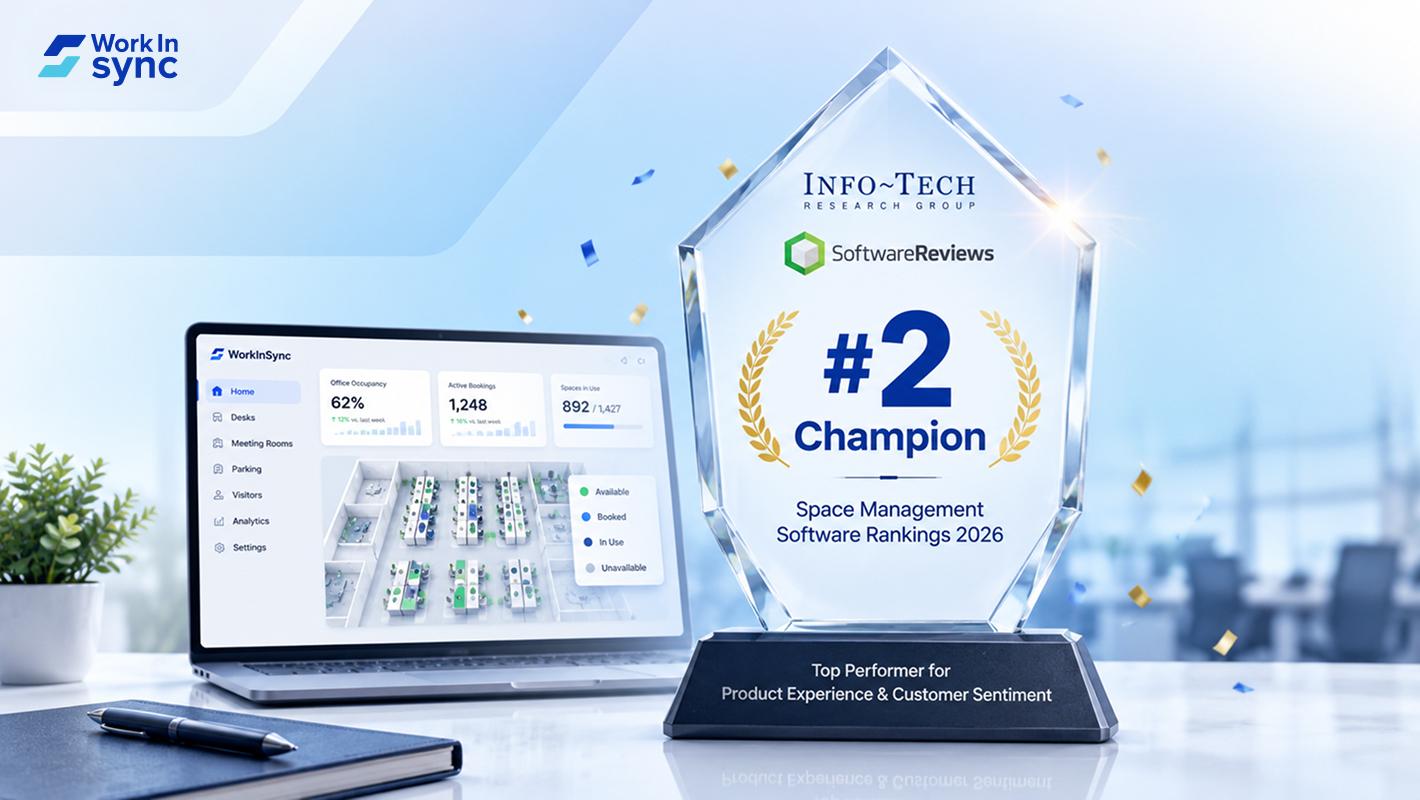
WorkInSync has been recognized by Info-Tech Research Group as a Champion in the 2026 Data Quadrant for Space Management, ranking #2, and as a Champion in the Emotional Footprint, ranking #2. Both awards are published on SoftwareReviews, Info-Tech's ratings platform, where rankings are built entirely from user feedback.

Sai Riddi
|
2 Min Read
Read More
 Desk Booking Software
5 June 2026
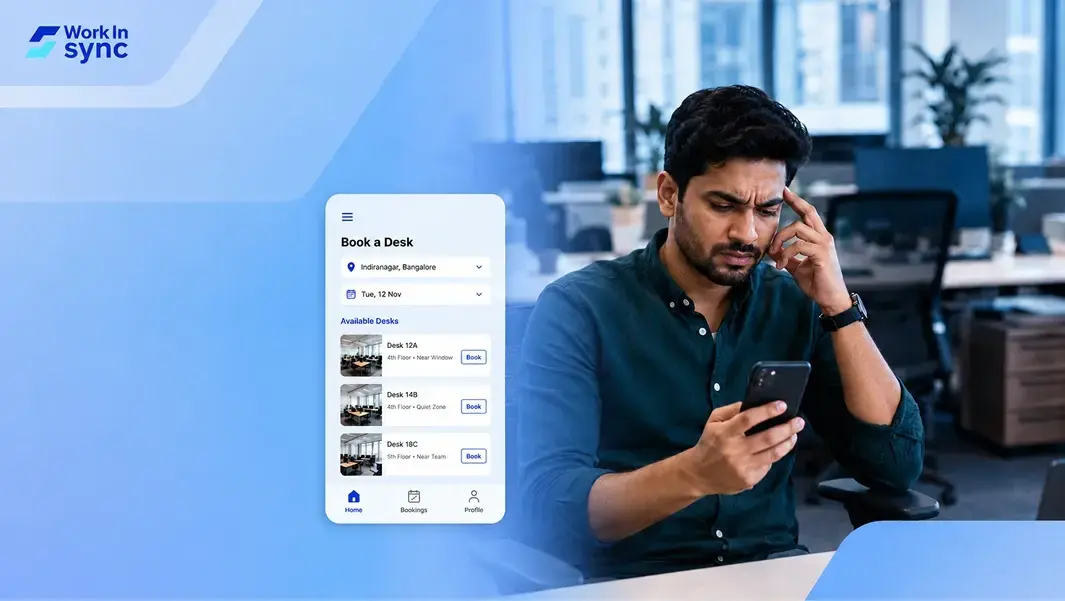
Let’s not pretend otherwise. Somewhere in your organization, a well-meaning IT or facilities team rolled out a desk booking system. There was a demo. Someone said “seamless.” There may have been a slide with the word “frictionless” on it. Leadership nodded. Procurement signed off. And then employees quietly went back to texting each other on […]

Ujjwal Trivedi
|
6 Min Read
Read More