
 Workplace Management
24 September 2026
Best Workplace Management Software in 2026: 6 Tools Compared
Compare six workplace management platforms. See what each is suited for and how to choose the right fit in 2026.

Deesha
|
4 Min Read
Read More


Office automation plays a crucial role in simplifying daily tasks by using technology to handle routine activities, allowing you to focus on more strategic work. By leveraging office automation tools, you can streamline communication, document management, and scheduling, reducing manual effort and errors.
Workflow automation takes this a step further by automating sequences of tasks based on predefined rules. This means you can automate repetitive processes to boost efficiency, ensure consistency, and save time across your organization. Business process automation expands on this by targeting entire business functions, improving overall productivity and operational performance.
Understanding these concepts and the right tools to implement them can transform how your office operates. You’ll discover how automation not only cuts down on administrative burden but also creates a more agile and responsive work environment.
Office automation involves using technology to handle routine tasks, data management, and communication within an office. It aims to reduce manual work, improve accuracy, and speed up workflows through software and digital tools. Understanding its components and how it contrasts with other automation types helps you apply it effectively.
Office automation (OA) means employing computer systems and software to perform everyday office activities like resource booking, data entry, document management, and communication without manual effort. It covers tasks such as scheduling, email handling, record keeping, and report generation.
By automating these processes, you reduce errors and increase productivity. OA tools often include softwares, word processors, spreadsheets, email clients, and databases that manage information digitally. This streamlines how your office functions and allows staff to focus on higher-value work.
Four main components make up office automation:
Hardware: Devices like computers, scanners, printers, and network equipment.
Software: Applications, including workplace management solutions, word processors, email systems, and office suites.
Communication Systems: Tools such as email servers, instant messaging, and video conferencing.
Data Management: Systems for storing, retrieving, and processing data efficiently.
Together, these allow you to create a digital workplace where information flows seamlessly. The integration of these parts helps reduce repetitive tasks, minimize human error, and ensure faster data access.
Office automation focuses on automating individual office tasks primarily related to clerical work and communication. It handles activities like document creation or scheduling.
Business Process Automation (BPA), however, applies automation to complex workflows that span multiple departments or systems. BPA uses rule-based software to optimize entire business processes, such as order fulfillment or customer onboarding.
While OA targets improving office efficiency, BPA drives overall operational improvements by automating end-to-end business functions.
For example, OA might automate your email responses, whereas BPA could automate an entire purchase-to-pay cycle, involving phone, email, and enterprise systems. Understanding this distinction helps you determine the right level of automation for your goals.
Office automation reduces the need for manual effort by using technology to handle repetitive tasks and streamline data processing. It relies on automated workflows, advanced software, and data management tools designed to save time and improve accuracy.
You can automate repetitive tasks like resource booking, data entry, email sorting, and document processing to free up human effort. Automation tools replace manual tasks with rule-based workflows that execute actions without intervention, cutting down processing time and reducing errors.
Common examples include automatically routing emails, updating records, and generating reports. By minimizing time-consuming tasks, you improve efficiency and allow staff to focus on work that requires judgment or creativity.
AI and machine learning help your automation systems learn from data patterns to improve decision-making and task handling. These technologies enable tools to adapt over time, handling exceptions and complex tasks normally needing human input.
For example, machine learning can improve data collection accuracy or classify incoming emails based on content. This reduces the need for manual corrections and supports smarter workflow automation beyond fixed rules.
Cloud-based automation tools let you run automated workflows from anywhere, supporting collaboration and real-time data updates. You avoid hardware constraints and can scale your automation across teams or departments quickly.
These tools integrate with email, databases, and other office systems, ensuring your data flows seamlessly. Cloud platforms also offer updates and security features automatically, reducing your IT workload while boosting your office efficiency.
Office automation brings tangible improvements to daily operations by increasing output quality, streamlining communication, cutting costs, and securing your important data. These changes help you scale your business more effectively while boosting overall efficiency.
Automating repetitive tasks lets you focus your team’s efforts on higher-value work. You cut down time spent on manual data entry, scheduling, and document handling, which directly improves your operational speed.
Workflow automation tools help reduce bottlenecks and improve task tracking. This leads to faster task completion and smoother processes, allowing your business to handle more work without increasing labor costs.
As a result, you gain better control over deadlines and resource allocation, driving consistent productivity improvements over time.
Manual processes are prone to human errors, which can cause costly delays and affect customer satisfaction. Office automation reduces these mistakes by applying consistent rules and validation checks automatically.
Data input through automated systems is more reliable, minimizing errors such as duplication or incorrect entries. This improved accuracy supports better decision-making and reporting.
By reducing errors, you also lower the chance of compliance issues and save time spent on correcting mistakes, boosting your overall operational reliability.
Office automation significantly reduces labor costs by minimizing low-value manual tasks. Automating routine work lets you allocate resources more strategically, increasing your return on investment.
Operational efficiency improves as automated systems streamline processes like invoicing, inventory management, and communications. This means faster turnaround times and reduced overhead.
In addition, you save on storage and administrative expenses by digitizing documents and workflows, helping you run a leaner, more cost-effective business.
Automation tools often include collaboration features such as shared workspaces, instant messaging, and real-time document editing. These improve how your team communicates and shares information.
With clear workflows and automatic updates, you reduce misunderstandings and conflict caused by delayed responses or misplaced documents.
Enhanced collaboration drives better project management and faster problem-solving, which elevates your team’s overall performance and customer satisfaction.
Office automation helps you control access to sensitive information through customizable permissions and user authentication, reducing the risk of unauthorized data breaches.
Automated logging and audit trails make it easier for you to meet regulatory requirements and track changes for compliance purposes.
By securely managing your data and workflows, you protect your business’s reputation and reduce the potential costs associated with data loss or legal penalties.
Office automation can streamline your workflows but also presents practical issues. You need to carefully address risks, ensure the right tool choices, and maintain smooth system integration to avoid disruptions and inefficiencies.
When automating office processes, security risks increase as more data moves electronically. You must secure sensitive information against unauthorized access and cyber threats.
Compliance with industry regulations is critical, especially when handling personal or financial data. Automated systems need monitoring and logging features to track actions and meet audit requirements. Failure to do so can invite fines and damage your reputation.
Regular risk assessments and updating security protocols help reduce vulnerabilities. Incorporate encryption and strict access controls within your automation tools to maintain compliance and safeguard your data.
Employees often resist automation due to job security fears or unfamiliarity with new tools. This resistance can slow adoption and reduce automation’s potential benefits.
To address this, communicate automation goals clearly, showing how it simplifies tasks instead of replacing jobs. Training programs are vital to build confidence and competence in new workflows.
Involving employees during tool selection and process design increases buy-in. You can reduce resistance by emphasizing automation’s role in enhancing productivity and reducing repetitive work.
Selecting automation tools requires balancing flexibility, scalability, and ease of use. Tools inflexible to your unique workflows or unable to scale with your business can limit growth.
Evaluate options based on how well they integrate with your existing processes and IT environment. Prioritize solutions that offer customization without needing extensive coding or technical support.
A clear business case helps you justify investment, focusing on tools that improve efficiency, accuracy, and user adoption. Test tools with real workflows before full deployment to confirm fit and performance.
Integrating automation with legacy systems is often complex. You face compatibility issues when new tools do not work seamlessly with older software or databases.
This can cause data silos, errors, and workflow breakdowns. You should plan integration strategies that include middleware or APIs to bridge gaps between technologies.
Ensuring real-time data synchronization maintains process consistency. Without careful integration, you risk losing control over automated workflows and increasing operational friction.
Your business relies on tools that organize, automate, and speed up everyday office tasks. These tools handle data storage, streamline approvals, and replace repetitive work. They bring efficiency and accuracy to your workflows.
Workplace Management solutions like WorkInSync help you manage your entire workplace and every employee touchpoint right from scheduling work from home or office, finding and booking resources (desks, meeting rooms, parking space, meals), to managing visitors.
A good workplace management solution ensures your workplace runs smoothly so you and your employees can give your best everyday without the above mentioned aspects worrying you.
A Document Management System helps you store, organize, and retrieve your digital files easily. Instead of flipping through physical filing cabinets, DMS lets you search and access documents quickly on your computer or cloud.
Good DMS software supports version control, access permissions, and audit trails to ensure security and compliance. This protects sensitive information and tracks document changes.
With features like automated filing and workflow integration, DMS reduces manual data processing and speeds up approval workflows. It also supports data exchange between departments using standardized formats.
Workflow automation software manages your business processes by automating repetitive tasks and routing approval requests. It eliminates bottlenecks by assigning tasks to the right people in the proper sequence.
You can use it to build custom workflows or adopt templates for common processes like invoice approvals or employee onboarding. Popular tools integrate with other business applications, increasing overall operational efficiency.
These platforms also provide dashboards for monitoring task progress and identifying delays. Workflow management software ensures consistent execution and better resource allocation.
Robotic Process Automation uses software robots to mimic human actions in routine, rule-based tasks. These bots interact with applications just like you do, clicking, copying data, and entering information, without requiring human intervention.
RPA is ideal for tasks like data entry, report generation, or migrating information between legacy systems and modern software like SAP Build Process Automation. By automating these activities, you reduce errors and free up your team for higher-value work.
AI technologies enhance automation by interpreting data, recognizing patterns, and making decisions beyond simple rule execution. Intelligent automation helps automate complex workflows and improves decision-making speeds.
Chatbots powered by AI can manage internal communications or customer inquiries 24/7, freeing your staff from repetitive question handling. They can escalate more complicated issues to a human when needed.
Leveraging AI with your process automation solutions improves workflow quality and responsiveness. Integration platforms as a service (iPaaS) often enable seamless connections between AI tools and your other software applications.
WorkInSync brings in superior AI use cases for workplaces like conversational chatbot for resource booking, meeting room recommendation engine, custom AI reports etc.
Cloud-based platforms offer flexibility by hosting your automation tools and data on remote servers accessible from anywhere. This reduces the need for costly hardware and simplifies collaboration across teams and locations.
They usually provide integrated suites combining document management, workflow automation, RPA, and AI features in one place. Subscription models keep costs predictable and scalable based on your usage.
Using cloud office automation tools supports real-time data processing, backup, and disaster recovery. It also accelerates software updates, ensuring you always have the latest enhancements without manual installation.
You can improve efficiency and accuracy by automating routine tasks across your business functions. Automation streamlines operations, reduces manual effort, and helps you focus on strategic activities in every department.
Automating HR and payroll helps you manage employee data, attendance, and compensation with less error. You can use systems that automatically track work hours, calculate salaries, generate pay slips, and file tax documents.
Additionally, onboarding processes such as document verification, training schedules, and performance reviews can be automated to save time. This reduces administrative overload and ensures compliance with labor laws. Automation also simplifies benefits management and leave tracking, cutting down on manual data entry.
In sales and marketing, automation nurtures leads and personalizes customer interactions. You can automate email campaigns, schedule social media posts, and segment contacts based on behavior. This keeps your messaging targeted and consistent.
Sales pipelines benefit from automated follow-ups, meeting scheduling, and quote generation. You’ll gain visibility into customer activity and can prioritize efforts where they matter most. Integration with CRM systems allows real-time updates and better forecasting.
For IT and help desks, automation accelerates issue resolution and support ticket management. Systems can categorize, assign, and escalate tickets based on priority without manual intervention.
Self-service portals and chatbots allow users to resolve common problems independently. Automated alerts notify technicians of critical system failures or security breaches. This reduces downtime and frees your team to focus on complex issues.
Finance teams use automation to process invoices, track expenses, and reconcile accounts faster. Time-consuming tasks like data entry and report generation are handled by automation, reducing human error.
You can automate payment approvals, budget monitoring, and tax filings to ensure accuracy and compliance. Automation also assists with financial forecasting by aggregating and analyzing data efficiently.
Automated customer support improves response times and service quality. You can deploy chatbots for 24/7 assistance, handling frequent questions and routing complex queries to human agents.
Communication tools automatically update customers on ticket status, delivery, or billing changes without manual follow-up. Automated surveys post-interaction capture customer experience feedback, helping you assess service effectiveness and identify areas for improvement.
Implementing office automation requires a clear understanding of your current business challenges and selecting the right tools to address them. You must also focus on training your team effectively and continually track the performance of your automation to improve processes and scale efficiently.
Start by mapping out your existing workflows and pinpointing tasks that slow down your operations or cause errors. Look for repetitive, manual processes with high volumes, such as data entry, approvals, or reporting.
Use data from your teams to identify where delays or mistakes most frequently occur. This targeted assessment will highlight specific opportunities for process improvement and help avoid automating inefficient tasks.
Document these bottlenecks clearly. Include their impact on productivity, cost, and employee satisfaction to prioritize which processes you should automate first.
Select software that fits your unique needs rather than the most popular option. Evaluate solutions based on compatibility with your existing systems, scalability, and ease of integration.
Consider features like workflow automation, document management, and real-time reporting. Prioritize software with a user-friendly interface to ease adoption.
Review vendor support and security measures. Robust customer service and data protection are critical for smooth implementation and ongoing usage.
Create a checklist to compare options on key criteria like cost, functionality, and maintenance requirements before making a decision.
Successful automation depends on how well your team understands and uses the new system. Design a training program tailored to different roles, focusing on practical tasks employees will perform.
Provide hands-on sessions and clear documentation. Encourage feedback to address issues early and improve confidence.
Communicate the benefits of automation to reduce resistance. Highlight how it frees employees from repetitive tasks, allowing them to focus on higher-value work.
Consider appointing automation champions within departments to support peers and share best practices.
After implementation, continuously track key performance metrics such as processing time, error rates, and employee satisfaction to gauge automation effectiveness.
Use this data to identify areas for adjustment and refine workflows. Regularly update automation tools to take advantage of new features and security updates.
Plan for scaling by automating additional processes once initial systems prove effective. Stay flexible to respond to changing business needs and evolving technology.
Maintaining oversight ensures sustained process improvement and maximizes the return on your office automation investment.
You will see office automation increasingly driven by intelligent technologies and user-friendly platforms. These shifts focus on speeding up routine tasks, expanding automation access, and integrating multiple systems to improve efficiency across your workflows.
AI boosts office automation by handling repetitive tasks like desk booking, meeting room management, scheduling, visitor management, data entry, and customer support. You benefit from improved accuracy and faster decision-making since AI analyzes large data sets instantly.
Generative AI acts as a “glue” that connects various tools, enabling smarter workflow orchestration across departments. This creates a more seamless experience by reducing manual handoffs.
Expect AI to optimize resource allocation by predicting workload trends, helping you manage staff and priorities more effectively. Increased use of AI extends automation beyond simple tasks into strategic support functions.
Hyperautomation combines AI, machine learning, and automation tools to chain multiple processes together. For you, this means complex workflows become largely self-running, minimizing error and manual intervention.
It expands automation from isolated tasks to full business processes, increasing overall operational agility. You gain deeper insights through data analytics embedded in hyperautomation, enabling continuous improvement.
Hyperautomation also helps drive sustainable growth by identifying inefficiencies and enabling corrective action quickly. Adopting this approach can transform your business productivity on a broad scale.
You can enhance your business operations significantly by adopting office automation. It simplifies repetitive tasks, allowing you and your team to focus on higher-value activities. This shift increases productivity and reduces errors in daily processes.
Using office automation tools and workflow automation helps you streamline communication, data management, and task tracking. These technologies work together to optimize your business flow while maintaining accuracy and speed.
Here are key benefits you gain with automation:
Reduced operational costs
Faster task completion
Improved collaboration
Better data security and accessibility
Implementing automation is a strategic choice to improve efficiency without adding complexity. Start by identifying routine tasks that consume time but add limited value. Then, choose tools that fit your business needs to automate those processes effectively.
By embracing business process automation, you create an environment where technology supports your goals transparently and reliably. This foundation enables sustainable growth and continuous improvement in your organization.
Workplace Management24 September 2026
Compare six workplace management platforms. See what each is suited for and how to choose the right fit in 2026.
Deesha
|
4 Min Read
Read More
 Announcement
13 August 2026
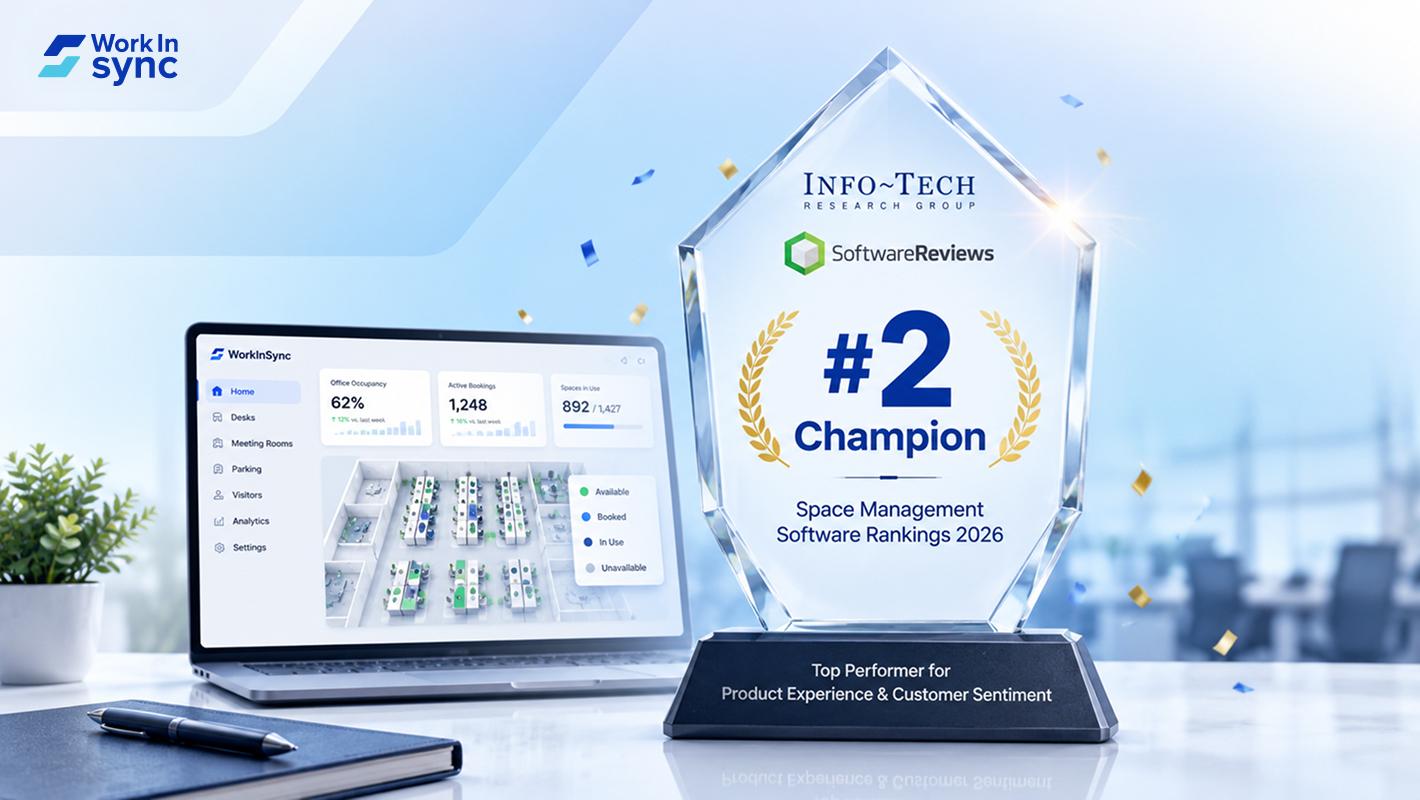
WorkInSync has been recognized by Info-Tech Research Group as a Champion in the 2026 Data Quadrant for Space Management, ranking #2, and as a Champion in the Emotional Footprint, ranking #2. Both awards are published on SoftwareReviews, Info-Tech's ratings platform, where rankings are built entirely from user feedback.

Sai Riddi
|
2 Min Read
Read More
 Desk Booking Software
5 June 2026
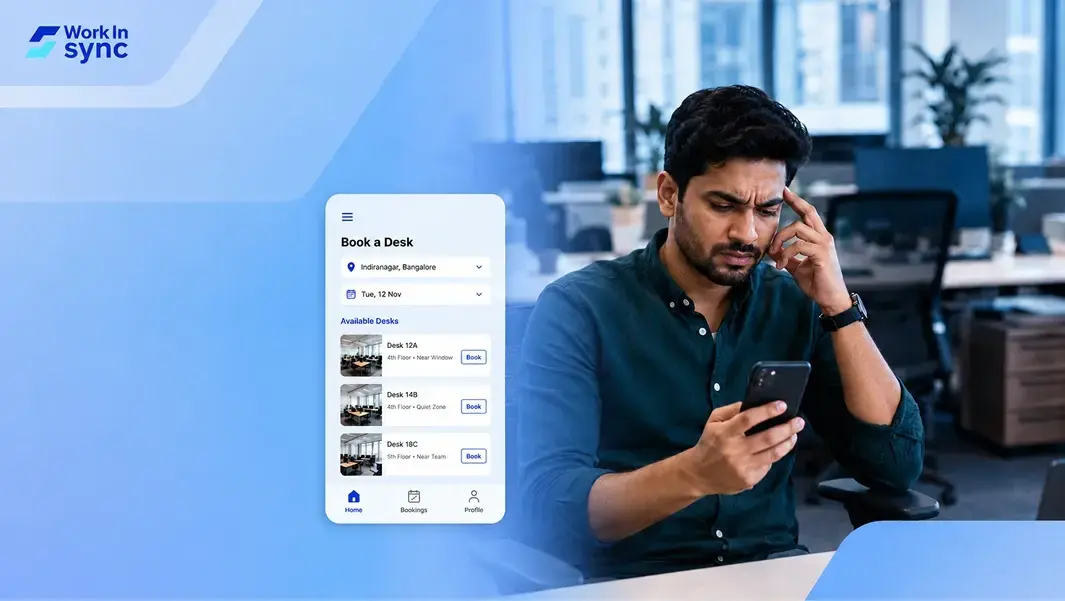
Let’s not pretend otherwise. Somewhere in your organization, a well-meaning IT or facilities team rolled out a desk booking system. There was a demo. Someone said “seamless.” There may have been a slide with the word “frictionless” on it. Leadership nodded. Procurement signed off. And then employees quietly went back to texting each other on […]

Ujjwal Trivedi
|
6 Min Read
Read More