
 Workplace Management
24 September 2026
Best Workplace Management Software in 2026: 6 Tools Compared
Compare six workplace management platforms. See what each is suited for and how to choose the right fit in 2026.

Deesha
|
4 Min Read
Read More

Choosing workplace management software in 2026 means looking beyond desk reservations. Many organizations need a connected way to coordinate office attendance, rooms, visitors, space use, and employee commutes, while keeping the experience simple for employees and manageable for facilities teams.
Workplace platforms help organizations plan how people use offices and related services. Depending on the product, that can include desk and room booking, visitor check-in, hybrid attendance, space analytics, parking, cafeteria or employee transportation.
Before comparing vendors, define the problem you need to solve. A company consolidating office space may prioritize occupancy data; a distributed enterprise may need consistent booking across locations; a smaller hybrid team may care most about an easy booking experience and calendar integrations.

WorkInSync is a workplace platform for organizations coordinating hybrid offices and related employee services. Its covers space management, desk and meeting-room booking, visitor management, parking, workplace analytics, cafeteria management, and employee transportation, making it a candidate for teams that want several workplace workflows under one umbrella.
It covers almost all workplace management modules, including transport management. That breadth may be relevant to organizations that want to manage the entire workplace from one tool or organisations that also want employee commute along with workplace management.
WorkInSync also streamlines space management and turns workplace data into planning insights.
Conversational booking: employees can request desks or rooms through a chatbot, including requests such as a desk near teammates or a room for a specified group size.
Workplace insights: custom reports and chat-based questions can surface space-use trends, summaries, and forecasts for planning.
Recommendations: WorkInSync’ meeting-room and desk recommendations are based on booking history, location, and team preferences, to recommend the most relevant spaces.
Occupancy forecasting: WorkInSync’s forecasts estimate when the office is likely to run out of space based on the growth estimate of the organisation.
Best fit to evaluate: organizations looking to coordinate multiple workplace workflows, especially across offices. Compare the modules you will actually deploy rather than assuming every capability is included in one package.
Envoy Workplace offers a modular approach to office operations. It features visitor management, desk and room reservations, parking, mailroom workflows, and other workplace tools, with options depending on selected plan and modules.
This structure can suit organizations that want to start with specific workflows and expand over time. During evaluation, map the modules to your requirements and ask how pricing, administration, and integrations change as you add them.
Robin focuses on coordinating office spaces and hybrid work. Desk and room booking alongside workplace operations and space-planning are its capabilities.
It may be worth evaluating when the main challenge is helping employees coordinate office days and reserve workspaces. Check the reporting detail, booking rules, and integrations available for your organization’s chosen plan.
deskbird offers tools for hybrid workplace planning, including desk and room booking, visitor workflows, parking, and attendance or utilization reporting.
Teams comparing it with broader workplace suites should test everyday booking tasks, policy configuration, and the reporting they need. Confirm whether the required features are available in the package under consideration.
Eptura Engage is part of Eptura’s wider workplace and facilities product portfolio. Its desk-booking solution describes having reservations, workplace maps, check-ins, and space insights.
Organizations comparing workplace experience and facilities software may include Eptura Engage in their evaluation. Because Eptura offers products and modules that may be packaged separately, confirm the scope, integrations, and services included in any proposal.
Skedda emphasizes configurable space booking for workplaces. Its office-scheduling materials describe booking rules, interactive floor plans, visitor management, and utilization insights.
It can be a useful comparison point when reservation workflows and control over how spaces are booked are central requirements. Confirm that its workplace features match your office model and that the analytics answer the questions your facilities team needs to answer.
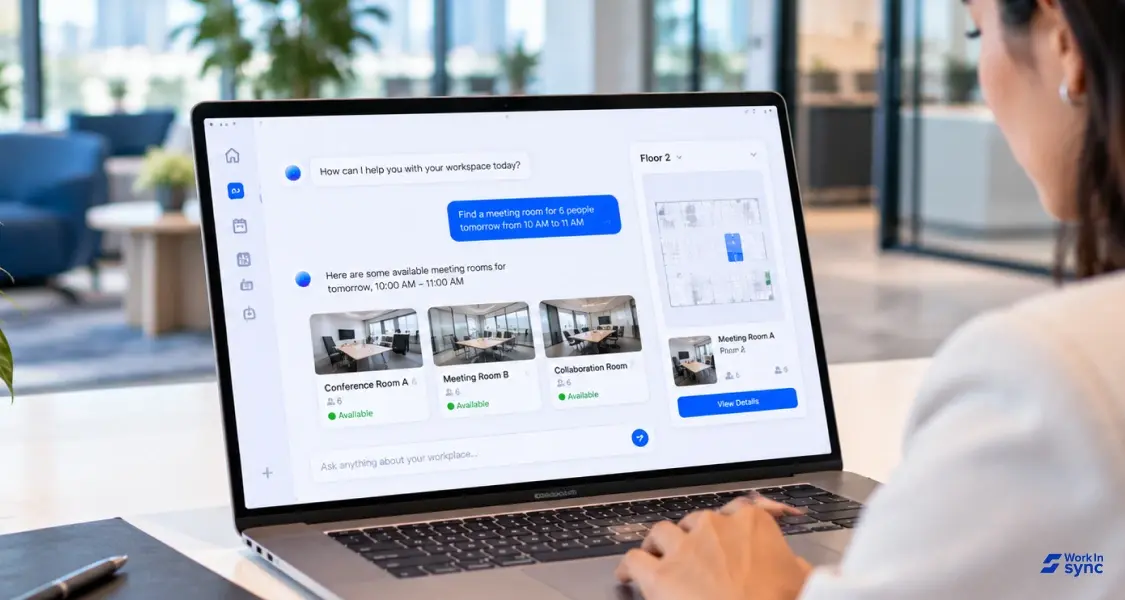
A useful shortlist starts with your workflows, not a long feature checklist. Ask vendors to demonstrate the same employee and administrator tasks using your scenarios.
Booking and policies: Can employees easily find and reserve the right desk, room, or other resource? Can admins set location-specific rules?
Integrations: Does the platform connect with your calendar, identity tools, HR systems, access control, and existing workplace technology?
Analytics: Can you see utilization and booking patterns at the level needed for space and operating decisions?
Employee experience: Is the flow clear on mobile and desktop, including for visitors and employees at unfamiliar sites?
Deployment and governance: What support, security documentation, permissions, data controls, and implementation work are included?
Total cost: Compare licenses, modules, implementation, integrations, and ongoing support, not only the starting price.
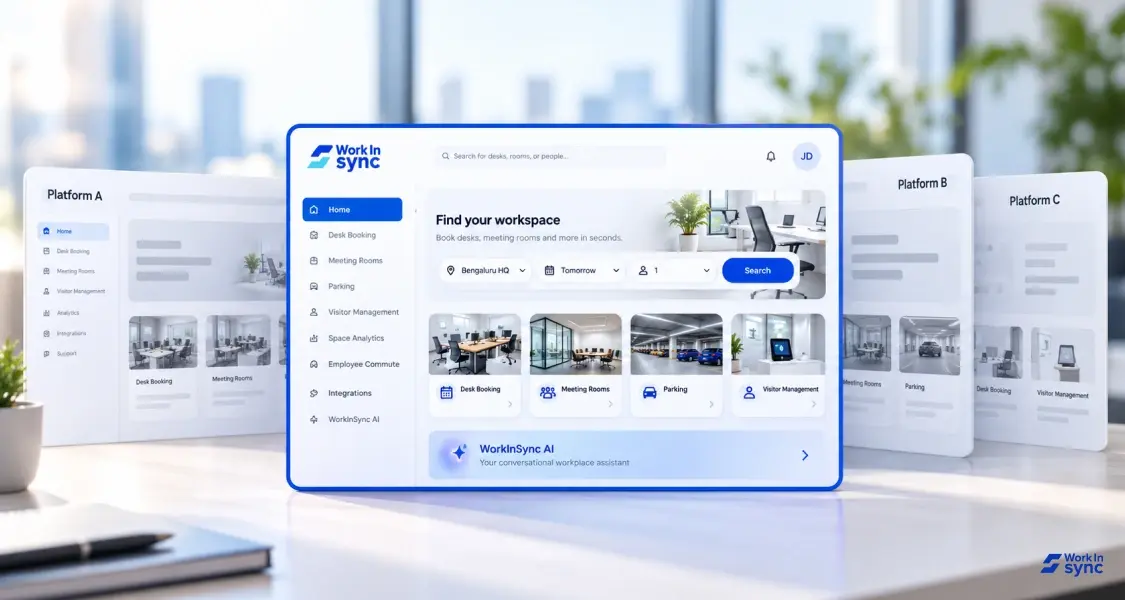
The right choice depends on how much of the workplace you want to manage in one system. A broad platform may be attractive when teams need to connect several workflows. A focused booking product may be easier to evaluate when the need is narrower.
For a fair comparison, shortlist providers against the same use cases, request a feature-by-feature demonstration, and validate pricing and integration details in writing.
It is a software that helps organizations coordinate office resources and workplace operations. Depending on the provider, it may cover desk or room booking, visitors, hybrid attendance, space analytics, facilities workflows, or employee transport.
Not always. Desk booking is one common capability, while broader workplace platforms may also support rooms, visitors, space reporting, parking, cafeteria or other services. Compare the functions you need rather than relying on category labels.
Use a consistent set of employee and administrator scenarios, then compare usability, integrations, analytics, security and governance, deployment effort, and total cost. Ask each provider to clarify which features are included in the proposed package.
Workplace Management24 September 2026
Compare six workplace management platforms. See what each is suited for and how to choose the right fit in 2026.
Deesha
|
4 Min Read
Read More
 Announcement
13 August 2026
WorkInSync has been recognized by Info-Tech Research Group as a Champion in the 2026 Data Quadrant for Space Management, ranking #2, and as a Champion in the Emotional Footprint, ranking #2. Both awards are published on SoftwareReviews, Info-Tech's ratings platform, where rankings are built entirely from user feedback.

Sai Riddi
|
2 Min Read
Read More
 Desk Booking Software
5 June 2026
Let’s not pretend otherwise. Somewhere in your organization, a well-meaning IT or facilities team rolled out a desk booking system. There was a demo. Someone said “seamless.” There may have been a slide with the word “frictionless” on it. Leadership nodded. Procurement signed off. And then employees quietly went back to texting each other on […]

Ujjwal Trivedi
|
6 Min Read
Read More