
 Workplace Management
24 September 2026
Best Workplace Management Software in 2026: 6 Tools Compared
Compare six workplace management platforms. See what each is suited for and how to choose the right fit in 2026.

Deesha
|
4 Min Read
Read More

Key Takeaways
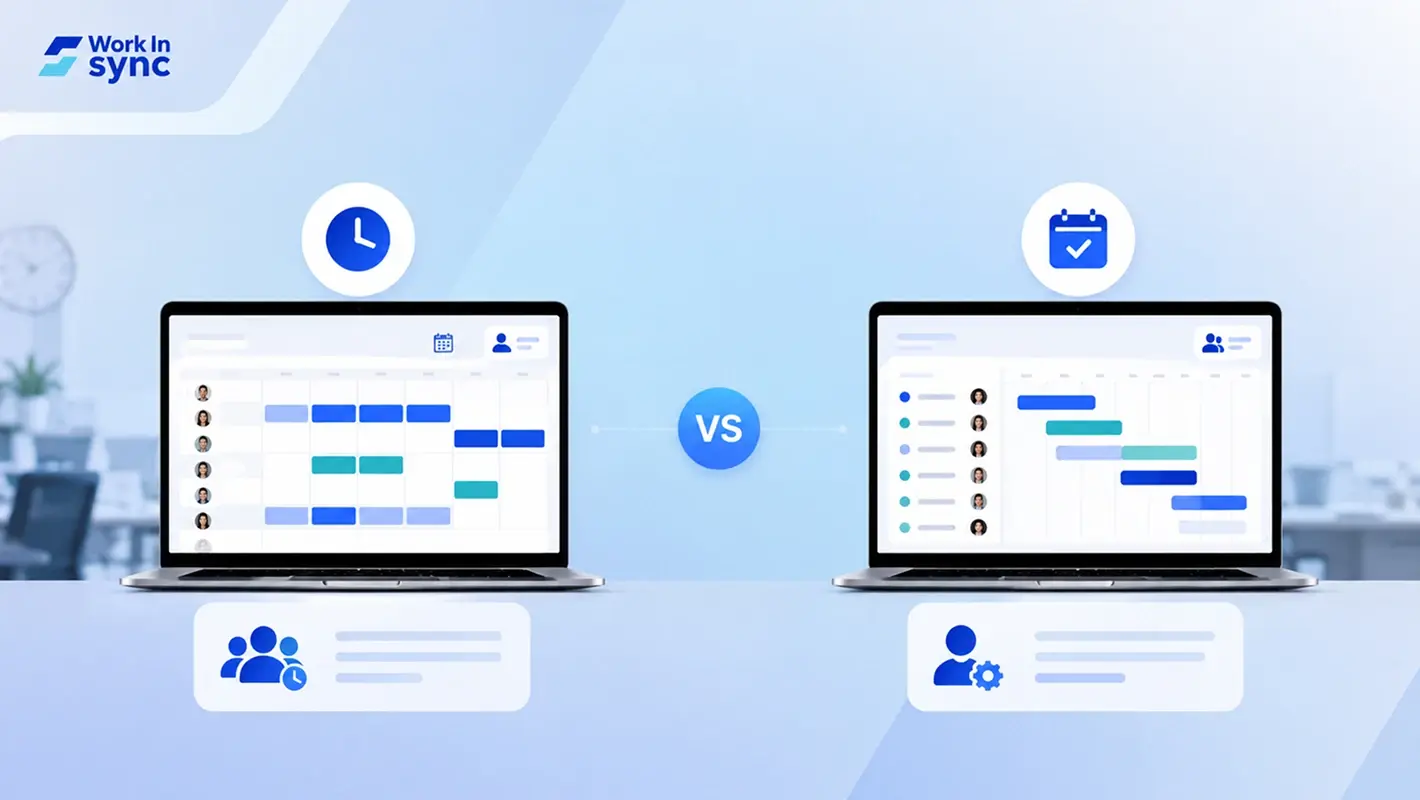
Employee scheduling software focuses on time, attendance, and shift allocation, removing manual scheduling roadblocks.
It handles overtime, last-minute shift swaps, and shift tracking, reducing employee confusion.
Key benefits include streamlined operations, reduced overtime costs, and lighter managerial workload through automation and analytics.
Resource scheduling software goes beyond shifts, it manages people and resources for project delivery.
It is project-focused, balancing time, cost, skills, and availability to avoid overbooking employees.
Key benefits include simplified project management, effective capacity planning, and stronger employee engagement.
Resource scheduling tools also monitor employee skills, workloads, and burnout risks, enabling better allocation.
Employee scheduling helps in shift/attendance focus, resource scheduling helps in project/resource allocation focus.
Both tools help optimize workforce management, but choice depends on whether the goal is shift efficiency or project alignment.
WorkInSync provides an integrated hybrid workplace solution with desk booking, meeting room booking, and employee scheduling features for seamless adoption.
Your hybrid workplace needs scheduling software. But should you get one for employee scheduling or one for resource scheduling? This blog covers the basics to give a better idea of which is which. Keep reading to learn more.
Looking for scheduling software for your company? There is a good chance you are facing one of these issues –
Your employees are having trouble keeping up with deadlines
You are spending hours building schedules
Your organization has frequent communication breakdowns
You are constantly changing plans to accommodate requests
Or maybe you are plagued by all of them. Naturally, you want software that helps you manage all such concerns and more.
If you have done some research, you may have come across two types of software. One that manages employee scheduling while another that manages resources. Upon further digging, you might have noticed both perform eerily similar functions. Now comes the dilemma — which solution should you choose?
The key to making a good purchase for your hybrid workplace is knowing all your options and understanding their use cases.
Here is all you need to know about employee scheduling and resource scheduling software to make a sound purchase decision. Let’s dive in.
Bonus Read: 5 Actions to Improve Employee Experience
Employee scheduling software does just what the name suggests. It comes with scheduling features that manage time and attendance of employees without too much of human intervention. Solutions as such remove roadblocks that you may face when trying to schedule employees. It also:
Allocates overtime
Adjusts last-minute shift requests
Removes employee confusion
Tracks shift distribution
The right software will effectively take over tasks like keeping track of shifts, swap shifts, trends, employee shift expectations, and more. It will provide real time scheduling data to managers. With such precise data, it becomes easier for them to optimize the workers’ time. It also makes building schedules more convenient with intuitive tech.
Now that you have a fair idea about employee scheduling software let us look at some of their benefits.

Time tracking employee shifts is only one aspect of an employee scheduling solution. But making sure the shifts are covered efficiently is a different task altogether. Employee scheduling app can make this easier.
The software helps you get critical insights into employee schedules, their effectiveness, etc. and helps streamline operations through data-backed solutions. The impact? According to Shiftboard’s Customer ROI survey, organizations using such software saw an increase in shift coverage by 88%.
Overtime shifts are often a result of improper schedule planning. But shift scheduling software can help you manage it.
With this software, you can plan the schedules based on specific employee needs. This also amps up employee satisfaction and reduces labor costs.
As a manager, you could be spending up to 20% of your time making employee schedules according to company requirements. The reason is apparent. Manual planning processes are hard to track, tricky to update, and hard to manage. This is where employee scheduling software can save you quality time.
The software features schedule templates, auto-assigning capabilities, and more. It also has a dedicated analytics dashboard to make a plan for employee shifts better. So, naturally, it reduces the managerial load and frees up time.
Now that you know all about employee schedule planning software, let us discover the capabilities of resource planning software.

Unlike common understanding, resource scheduling is not limited to managing inanimate resources. It also extends to managing human resources to meet the company goals. This makes it similar to employee schedule planning. The key difference is that resource scheduling is inherently human-centric and project-focused.
Resource scheduling or resource management involves allocating resources to keep projects on track without overbooking employees. So, managers need to know how to balance time, cost, and the scope of employees to get the best results possible.
This is undoubtedly hard, but resource scheduling software can make it easier. It has features like employee scheduling, forecasting abilities, and advanced analytics to make planning resources a smoother experience. This software can even track employee work trends and skill levels on projects and provide insights to managers. This helps them plan work schedules that further company goals without compromising employee productivity.
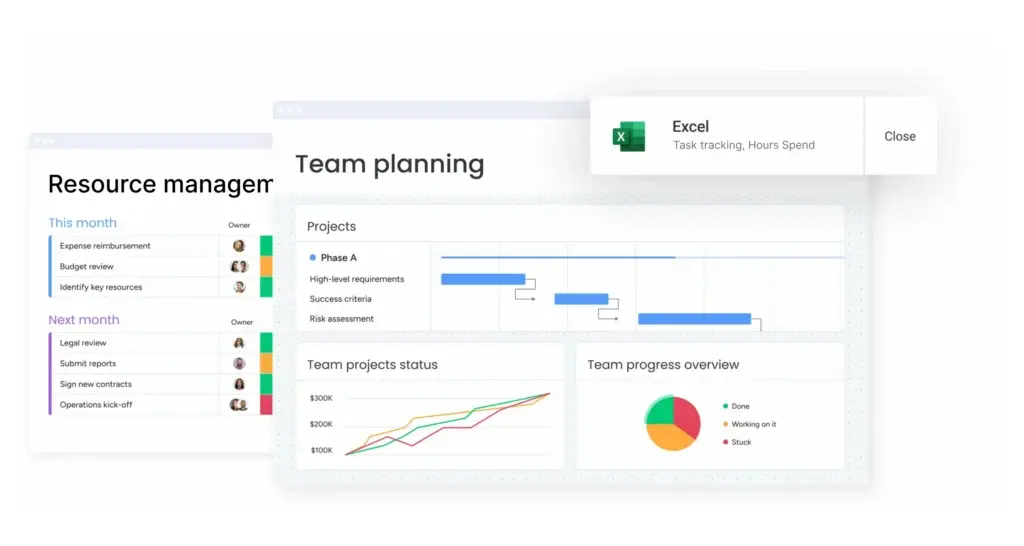
According to a Monday survey, up to 42% of managers are still using spreadsheets to manage employees and resources in their organizations.
But here’s the thing. Keeping track of complex works while handling and scheduling multiple projects at once is no simple task. So, resource management software makes it easier for you. Thanks to its intuitive UI, you can view projects at a glance and ensure they move seamlessly across departments.
Moreover, resource management tools have dashboards with project and client details to ensure everyone on the team knows about the progress.
To plan projects effectively, you need to know your resource limits. This includes employee availability, skills, time, and other factors that change with time. A resource management tool helps you keep track of all tangible and intangible resources with features like dashboards, analytics, and trends. This not only makes keeping track of these resources easier but also makes allocating them quicker too.
Burnout is a common effect of poor scheduling, and it plays a significant role in lowering work engagement. In fact, a Deloitte report revealed that even those who liked their jobs faced burnout 64% of the time. As managers, you can reduce such instances by managing schedules using a resource management tool.
This software can help you keep track of employee work, skills, hours spent on tasks, overtime, etc. It can give you warnings when work levels exceed limits. This can help you divide the duties equally to ensure no one employee is stretched too thin. This helps employees stay engaged consistently at work and give their best.
Employee scheduling software is a tool concerned with planning schedules and keeping track of leaves, etc., over extended periods. A resource scheduling tool on the other hand is to ensure that amenities are available and allocated optimally. This is a project-focused tool.
If you are convinced you to need an employee schedule planning tool, turn to WorkInSync’s Hybrid workplace solutions. This one-stop solution is all you need to ensure your organization’s hybrid setup runs smoothly.
Along with desk booking and meeting room booking solutions, the software helps you plan schedules for your employees. The scheduling software allows you to share them with employees in just a few clicks. Sound like an integration you’d want to invest in? Head to our product page to learn more.
Subscribe to our blogs and get weekly updates on the latest workplace trends.
 Workplace Management
24 September 2026
Compare six workplace management platforms. See what each is suited for and how to choose the right fit in 2026.
Deesha
|
4 Min Read
Read More
 Announcement
13 August 2026
WorkInSync has been recognized by Info-Tech Research Group as a Champion in the 2026 Data Quadrant for Space Management, ranking #2, and as a Champion in the Emotional Footprint, ranking #2. Both awards are published on SoftwareReviews, Info-Tech's ratings platform, where rankings are built entirely from user feedback.

Sai Riddi
|
2 Min Read
Read More
 Desk Booking Software
5 June 2026
Let’s not pretend otherwise. Somewhere in your organization, a well-meaning IT or facilities team rolled out a desk booking system. There was a demo. Someone said “seamless.” There may have been a slide with the word “frictionless” on it. Leadership nodded. Procurement signed off. And then employees quietly went back to texting each other on […]

Ujjwal Trivedi
|
6 Min Read
Read More