
 Workplace Management
24 September 2026
Best Workplace Management Software in 2026: 6 Tools Compared
Compare six workplace management platforms. See what each is suited for and how to choose the right fit in 2026.

Deesha
|
4 Min Read
Read More
Gone are the days of assigned desks and clock-in times; businesses no longer need offices made like that. Hybrid work is here to stay, allowing employees to work remotely for some days and go into the office the others. As hours and workspace usage become less predictable, managing these spaces has become almost impossible to do manually.
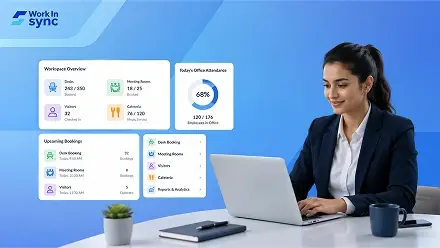
This is where office management softwares such as WorkInSync come in, enabling admins to manage desks, rooms, guests, cafeterias and other workplace needs from a single portal.
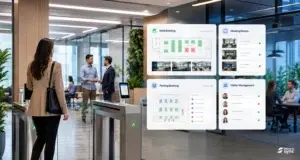
Managing your office isn’t an easy feat, which is why most organizations resort to using software like WorkInSync.
It pulls your scheduling, communication, and resource management functions together to help ensure a smooth working environment. Here are some perks that come with using it.
Workplace management softwares give you a real-time overview of the resources in your office. It also makes it easy for your employees to book a parking spot, desk, or meeting room before they arrive at the office and avoid any confusion.
Handling workplace resources manually takes up too much time. It feels like your team’s stuck in a never ending loop of booking desks, assigning parking slots, approving visitors, and reserving meeting rooms. It’s time they could be investing in more impactful work.
Thanks to office management software, these things don’t need to be such a hassle. Employees book resources before they’ve even turned up to the office. And you get auto-approved bookings, real-time utilisation overview and intelligent insights and reporting.
These benefits are maximized by bringing workplace management functions under a single roof, as with WorkInSync. By limiting app switching for each function (desk booking, meeting room management, visitor management, parking management, cafeteria management) you also boost productivity.
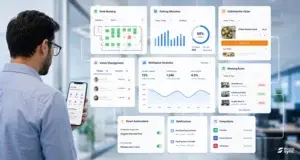
Because of hybrid setups, most companies unknowingly find themselves paying for space that’s essentially vacant most of the time. Office management software can assist with this by giving you real-time view and intelligent insights into underutilized spaces.
You also won’t have to worry about chaotic spreadsheets and scheduling mix-ups when your workflow is automated, saving you on misplaced meetings, unused parking spots, and preventable facility expenses.
Managing who is coming in and going out from the office is tough, especially when you’ve got employees, contractors, and visitors walking in and out throughout the day.
Visitor management solutions allow you to monitor visitors to your workplace and when, which is key for adhering to security guidelines, but you can also use them to automate access controls and permissions.
Solutions like WorkInSync ensure top-notch security and compliance, here’s how:
Imagine a visitor coming into your office for a meeting. In a traditional setup, their arrival might trigger a flurry of manual paperwork, phone calls to the host, and a long wait at the front desk.
With WorkInSync, the experience is completely transformed into a seamless, secure journey: Visitors can bypass the crowded reception with intuitive self-check-in kiosks, which can be fully customized with workflows as per your necessities.
Once they are checked in, you have real-time visibility of their location and time spent at your facility. Behind the scenes, ironclad security is at work, as WorkInSync is ISO 27701 certified and GDPR compliant.
Selecting the right office management tool means looking for one that integrates with the softwares/tools your employees already use, such as Google Calendar, Outlook, Slack and Microsoft Teams and more.
When your systems work together, you won’t have to enter the same data again and again, you’ll be able to send information seamlessly from one platform to the other.
It’s also crucial that you select workplace solutions like WorkInSync that grows with you. When you scale, open new locations, or expand to different time zones, your office management system will need to support more people, spaces, and use cases.
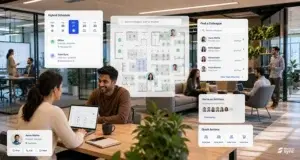
Hybrid work poses coordination challenges that most legacy office technology wasn’t designed to handle. If employees are working a mixed schedule, it’s difficult to know who’s coming into the office, which desks are available, or how everyone is coordinating.
Office management software centralizes workplace information, allowing teams to see who will be in the office to schedule co-working and meetings, get a view of office space utilization and employee preferences, invite visitors, and book desks, parking, and amenities with ease.
The result is a smarter, more agile office environment that empowers teams to be more productive.
Looking for office management software? Here are a few things you need to look out for:
Your employees should be able to access the software on desktop and mobile with ease. Clunky interfaces that require a steep learning curve lead to frustration and less adoption.
Different organizations have different needs from their software. Some may be looking to book desks and optimize office space, while others need visitor management, reporting, or staff scheduling.
It’s crucial to pilot the software with a small team before rolling it out company-wide. This helps identify usability issues early on and ensures the software works for hybrid and in-office staff.
If your company is dealing with the operational headache that comes with running a hybrid work model, WorkInSync offers a centralized workplace experience platform that brings everything together in one place.
It brings desk and meeting room booking, visitor management, parking booking and cafe pre-ordering to one platform. It allows employees to plan their visits to the office, while helping the admins gain transparency over the utilisation of space.
Functionalities such as colleague finder can also help dispersed teams connect and collaborate in the office while giving the facility teams the data to bring down the cost and enhance the experience of the employees.
Interested to see how you can make the most of your hybrid workplace? Book a demo now!
Workplace Management24 September 2026
Compare six workplace management platforms. See what each is suited for and how to choose the right fit in 2026.
Deesha
|
4 Min Read
Read More
 Announcement
13 August 2026
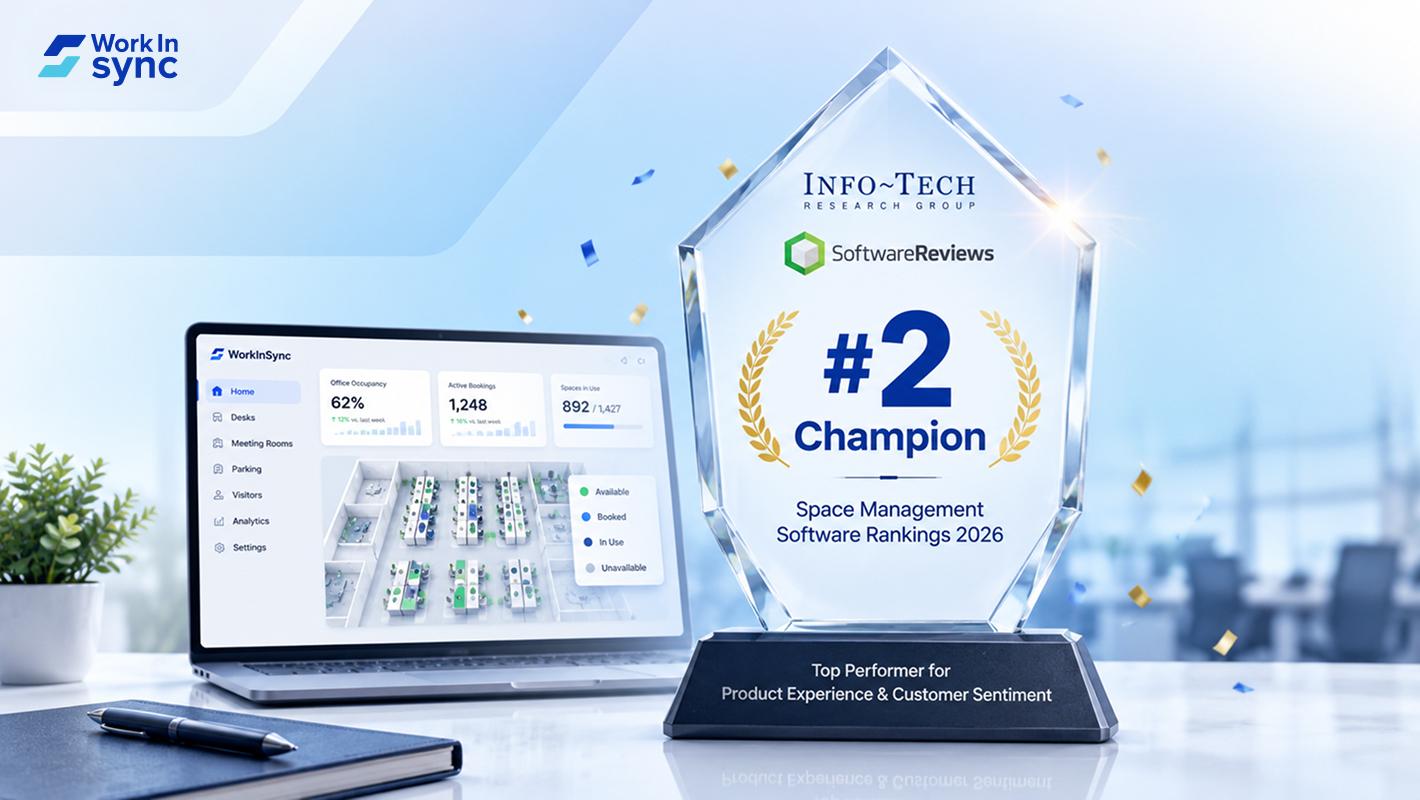
WorkInSync has been recognized by Info-Tech Research Group as a Champion in the 2026 Data Quadrant for Space Management, ranking #2, and as a Champion in the Emotional Footprint, ranking #2. Both awards are published on SoftwareReviews, Info-Tech's ratings platform, where rankings are built entirely from user feedback.

Sai Riddi
|
2 Min Read
Read More
 Desk Booking Software
5 June 2026
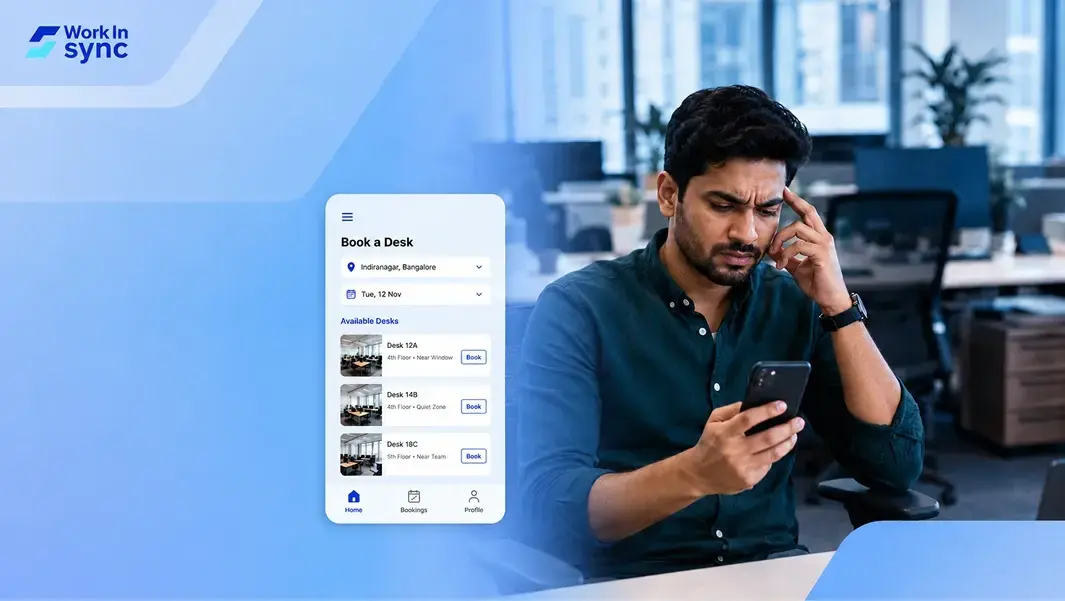
Let’s not pretend otherwise. Somewhere in your organization, a well-meaning IT or facilities team rolled out a desk booking system. There was a demo. Someone said “seamless.” There may have been a slide with the word “frictionless” on it. Leadership nodded. Procurement signed off. And then employees quietly went back to texting each other on […]

Ujjwal Trivedi
|
6 Min Read
Read More