
 Workplace Management
24 September 2026
Best Workplace Management Software in 2026: 6 Tools Compared
Compare six workplace management platforms. See what each is suited for and how to choose the right fit in 2026.

Deesha
|
4 Min Read
Read More

Key Takeaways
Employees can book desks directly in Microsoft Teams using a visual floor plan, apply filters for amenities, and locate colleagues for in-office collaboration.
Desk reservations can be modified or canceled within Teams, with all upcoming bookings displayed in a personal calendar view.
Managers get real-time notifications when team members check in, check out, or change bookings, while employees receive alerts for manager-created schedules.
The Microsoft Teams Activity Tab shows AI-powered, real-time work locations of colleagues or channel members to support better collaboration.
WorkInSync’s conversational bot enables seat booking, reservation changes, check-in, check-out, and colleague searches using natural language commands.
Existing users can start using the Teams integration instantly, and new organizations can try it free for up to 50 users for six months.
“WorkInSync’s app for Microsoft Teams allows employees to schedule and book workstations with just a few clicks. This helps people better plan their return to the office.”
– Daniel Canning, Director, Microsoft Teams Platform, Microsoft.
Microsoft Teams has been the de-facto communication tool for most organizations. This was even before the pandemic. Throughout last year, the significance of Microsoft Teams only increased when the majority of the workforce went remote. And this growth has been twofold. First, the number of organizations using Microsoft Teams increased exponentially. Second, the pre-existing users started spending more time on Microsoft Teams.
As global leaders for hybrid workplace management, it was a no-brainer that WorkInSync had to be present where the employees are. Over the last year, WorkInSync has become the essential hybrid workplace tool, which helps organizations maneuver through the complexities of a hybrid workplace. Not only establishing the concept but seeing it through.
For instance, the desk booking module in WorkInSync takes away the anxiety of not knowing whether and what desks will be available when an employee works from the office. It also helps them find where their colleagues are working from to promote better collaboration.
Intending to help employees in this new work setting, WorkInSync is now available on Microsoft Teams. Users of Microsoft Teams will find an array of features on WorkInSync. These have been listed below.
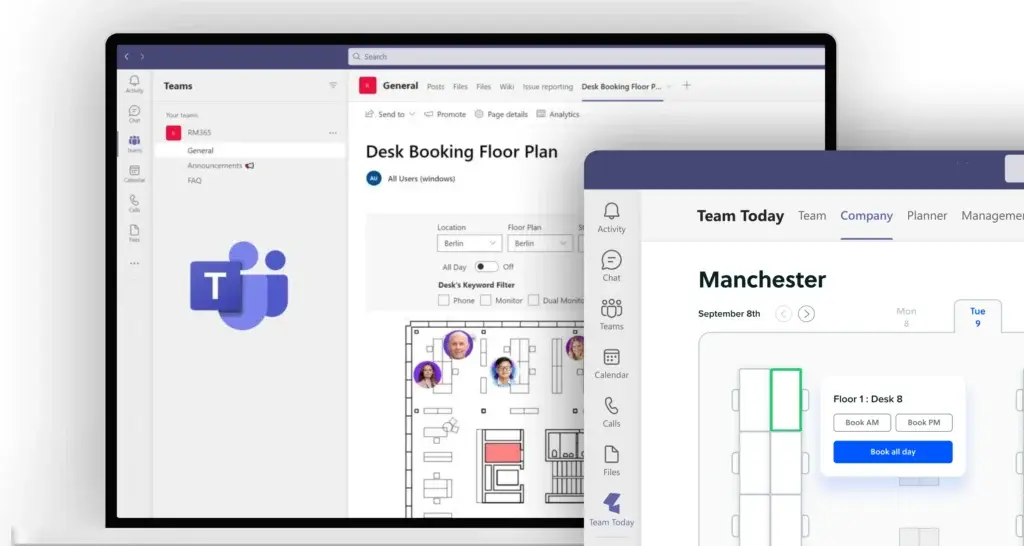
Employees can reserve their desks from a visual floor plan when working from the office. They can also update their schedules when working remotely.
While booking, they can apply multiple filters that include checking for available desks, opt for amenities, and more. They can also search for a colleague to see the desks booked by them, further promoting better collaboration.
Employees can see all their upcoming plans in a calendar. They can also modify or cancel a desk reservation.
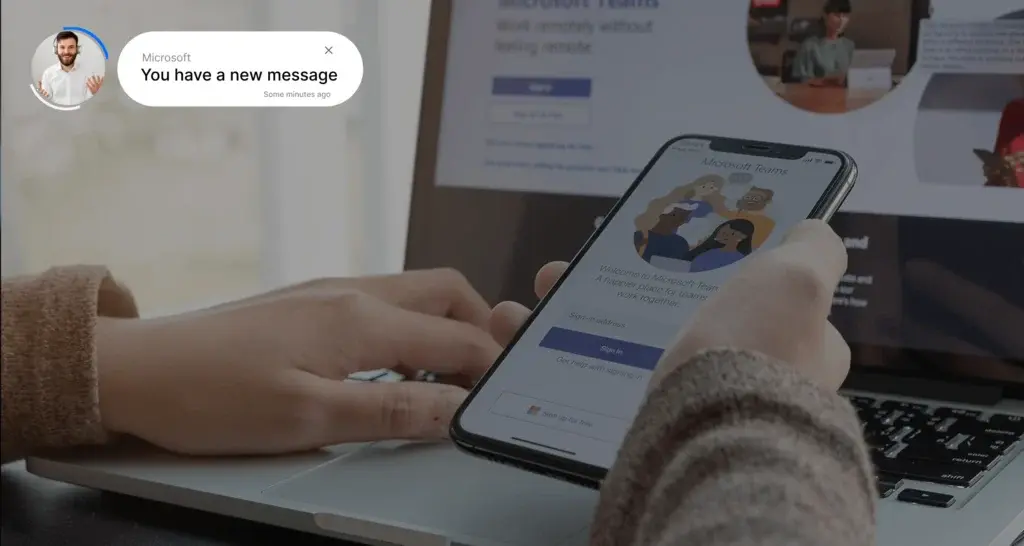
WorkInSync leverages the full capabilities of Microsoft Teams for timely notifications.
As a manager, you are notified when your team members check-in and check out. You are also notified of any changes to your team’s booking plans.
The employees are notified when their manager plans their schedule. Employees can also view and modify the bookings created by their managers from Microsoft Teams.
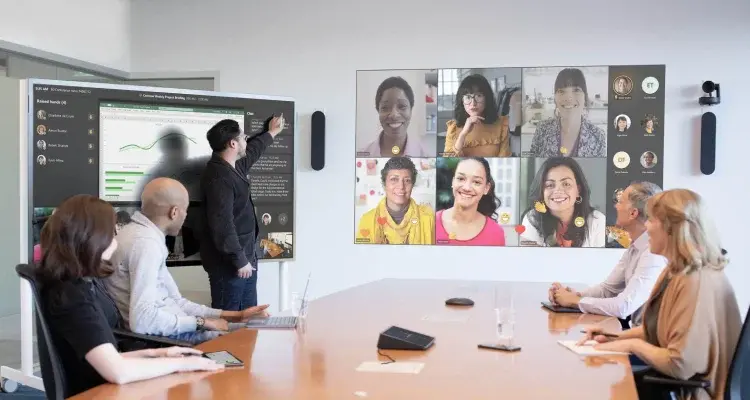
Microsoft Teams Activity Tab provides you a quick overview of the current work location of your colleagues. This AI-powered list leverages your interactions on other Office365 platforms such as Outlook for accuracy.
The team activity tab can also be installed in a channel context. It shows the current work location of the channel members when installed.
Microsoft Teams supports booking a seat, fetching and modifying existing bookings, check-in, checkout through bot commands.
You can also search your organization for a colleague and where they are working from the day via the bot.
The natural language bot is powerful and conversational, so you don’t have to know or type the exact command.
Employees from organizations using WorkInSync can directly start using the app without the need for additional onboarding. New organizations willing to try WorkInSync via Microsoft Teams can sign up for a free trial account to 50 users for the first six months.
WorkInSync app is published on app source. To get it directly from the app source, visit WorkInSync App on Team Store.
Or you can also download it directly. Search ‘WorkInSync’ on your Microsoft Teams -> Apps -> ‘More apps’ page.
 Workplace Management
24 September 2026
Compare six workplace management platforms. See what each is suited for and how to choose the right fit in 2026.
Deesha
|
4 Min Read
Read More
 Announcement
13 August 2026
WorkInSync has been recognized by Info-Tech Research Group as a Champion in the 2026 Data Quadrant for Space Management, ranking #2, and as a Champion in the Emotional Footprint, ranking #2. Both awards are published on SoftwareReviews, Info-Tech's ratings platform, where rankings are built entirely from user feedback.

Sai Riddi
|
2 Min Read
Read More
 Desk Booking Software
5 June 2026
Let’s not pretend otherwise. Somewhere in your organization, a well-meaning IT or facilities team rolled out a desk booking system. There was a demo. Someone said “seamless.” There may have been a slide with the word “frictionless” on it. Leadership nodded. Procurement signed off. And then employees quietly went back to texting each other on […]

Ujjwal Trivedi
|
6 Min Read
Read More