
 Workplace Management
24 September 2026
Best Workplace Management Software in 2026: 6 Tools Compared
Compare six workplace management platforms. See what each is suited for and how to choose the right fit in 2026.

Deesha
|
4 Min Read
Read More


Key Takeaways
COVID-19 has accelerated the shift toward hybrid work, making workforce flexibility and digital management essential.
A strong hybrid workplace management tool must include features that simplify scheduling, communication, and space allocation.
Employee Scheduling helps match employee in-office preferences with business needs, enabling teams to collaborate effectively.
Space Management ensures desks, rooms, and common areas are utilized efficiently, supporting social distancing and demand forecasting.
Wayfinding empowers employees to navigate restructured office layouts, locate colleagues, and access meeting rooms easily.
Integration with tools like HRMS, Slack, Microsoft Teams, and G-Suite enhances productivity and communication within hybrid setups.
Analytics dashboards offer real-time insights into occupancy, desk usage, and sanitization, supporting better planning and safety.
WorkInSync combines all these features in one tool to streamline hybrid operations.
There is no doubt that the pandemic has changed our world. But we can safely say that COVID-19 has become a catalyst to change the future of work. This change has inspired companies to automate, digitize, and innovate. With the workforce demanding flexibility in their work model, managing them becomes the primary challenge. Hence a hybrid workplace management tool. Digitized, no doubt, but this tool should offer more than that. It should encompass an array of features that promote a hybrid workplace’s easy management.
Bonus Tip: Challenges of a Hybrid Workplace
But what kind of features are we looking at? Here is a list of five features that a useful hybrid workspace management tool should offer.
As organizations have kick-started the return-to-office process, employee scheduling has become an extremely sought-after feature. With a hybrid workforce, understanding employee location preferences (whether they want to work from home or office) without affecting productivity can be challenging. You can’t call all employees back to the office at the same time. Employee scheduling can be pivotal when deciding which employees need to come to the office and further match their preferences with business requirements.
From an employee’s point-of-view, mapping their schedules with their team members to ensure collaboration is an unsaid benefit.
When the onus of returning to the office lies with the employees, a simple feature such as employee scheduling can ensure that everyone is informed about what the others are doing. For instance, when you have to collaborate with your colleague, knowing their routine can ensure easy collaboration. And this information can be extremely useful when establishing a hybrid workplace. Thus, for any hybrid workspace management tool, providing employee scheduling is a must.

Most organizations are opting for a hybrid setup in the post-pandemic new normal. However, shifting from an existing static setup to a flexible one needs planning. And in this hybrid model, with fewer people coming to the office, the number of desks required reduces significantly. Also, to maintain social distancing protocols, bigger meeting rooms are required to accommodate fewer people. See, there is no doubt that space management poses the biggest challenge, especially when the workforce is divided.
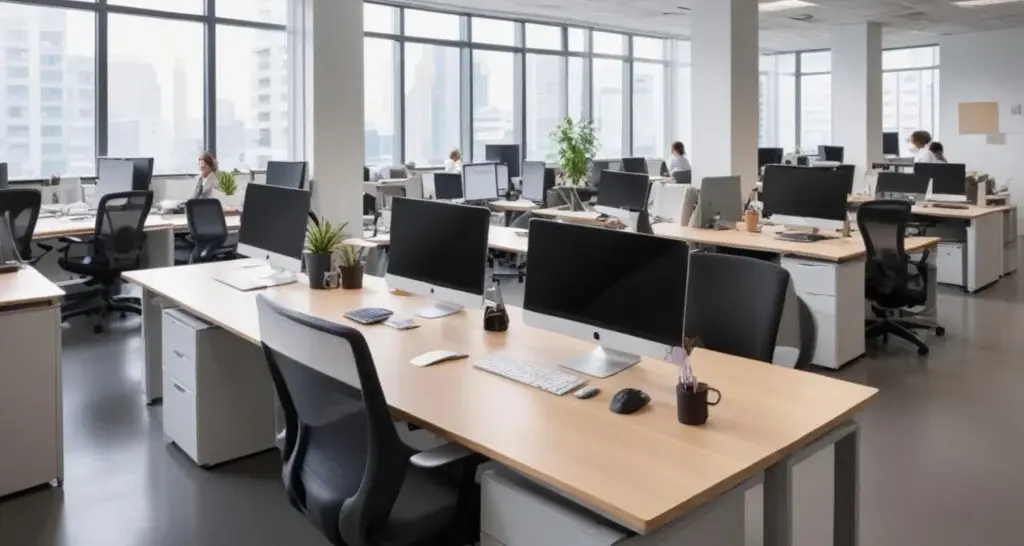
Desks, meeting rooms, cafeteria, parking, and other shared spaces need proper management in a hybrid work model. Space management can give you an accurate picture of how many people you need to have on an average day and show you the trends of demand for this space across weeks and months.
You can determine how many permanent desks could be converted to ‘hot desks,’ or the number of meeting rooms available on a particular day. You can reduce overcrowding in the cafeteria or regulate the parking space. To convert into a flexible one and adopt the hybrid work model, space management is integral to a hybrid workspace management tool.
Recommended Reading: Understanding Hoteling
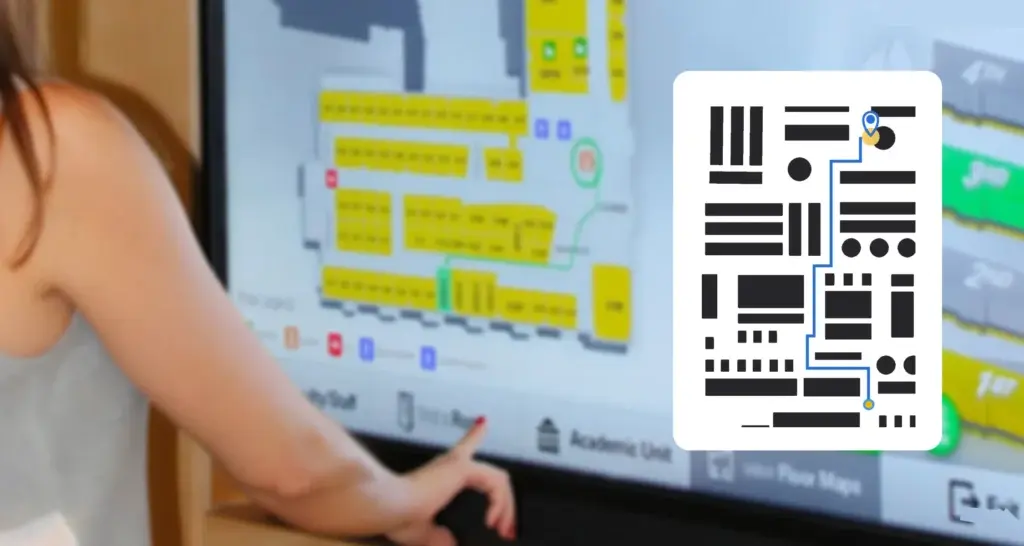
The Oxford Dictionary defines wayfinding as “the process or activity of ascertaining one’s position and planning and following a route.” Simply put, wayfinding is a set of tools, usually graphics or architectural designs, that navigates a person through space or building to their desired destination.
The purpose of wayfinding is to educate, inform and familiarize an employee to their surroundings. With the implementation of social distancing, our office spaces have changed significantly. Thus, employees returning to the office need to be conversant with their surroundings. Knowing where your colleagues are sitting or which meeting rooms are available is necessary. With wayfinding techniques, navigating your way through becomes significantly easier.
There are different types of wayfinding techniques. And an excellent hybrid workplace tool will integrate it all.
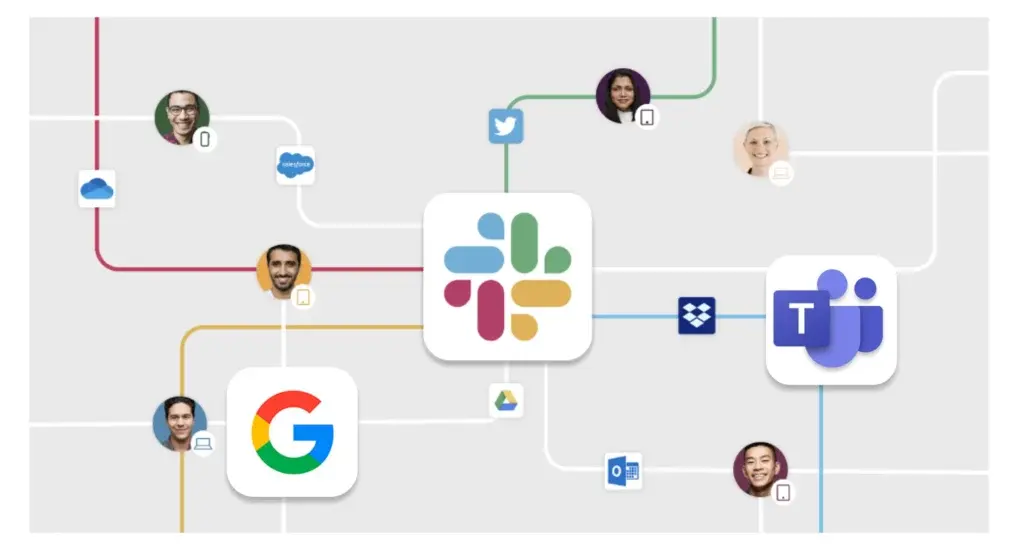
Your hybrid workspace management tool might not give you all the features you are looking for. However, giving the option to integrate with a third-party app seamlessly, your needs can be easily met.
We must understand that integration is not about putting together an assortment of tools but strategically connecting selected software to achieve higher productivity, reduce wasted time and resources involved, and further help your business scale for future growth.
Integration with existing HRMS systems can ensure that you get all your employee information in one place. By integrating with Microsoft Teams or G-Suite, you can find your colleagues faster for better collaboration. Integrating with Slack will ensure a smooth flow of communication. Therefore, a simple integration feature can make the hybrid workspace management tool vital to drive the return-to-office process.
Read more: Using DialogFlow to Make Bookings
Leveraging an analytics dashboard for your hybrid workplace can enable you to identify the nitty-gritty of the same. Be it recognizing the number of people coming to the office or seat utilization, be it reports on floor occupancy or sanitization status, a detailed analytics dashboard is essential for a well-functioning hybrid workplace.
In the post-pandemic new normal, it is essential to have a bird’s eye view of everything happening in the office. Take a look at this image.
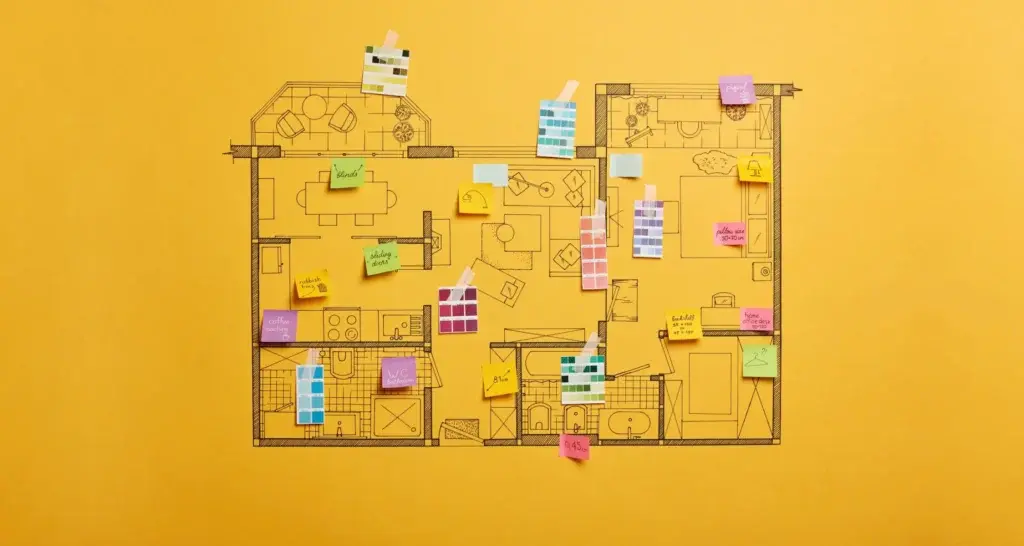
This is the floor plan of an office. A workspace manager can get minute details like where the congregation is at, which desks are occupied, which meeting rooms are currently empty, and so on.
With such insights, planning and preparing the organization for a return-to-office process becomes more manageable.
Be it employee scheduling or space management, the primary of a useful tool lies in its management capabilities. WorkInSync is a hybrid workspace management tool that ensures easy and seamless operations. Combining the features mentioned earlier and more, WorkInSync is everything you need to establish and administer a hybrid workspace.
You can opt for a free demo to witness for yourself the array of features WorkInSync has to offer. To stay on top of hybrid workspace trends, subscribe to our newsletter.
 Workplace Management
24 September 2026
Compare six workplace management platforms. See what each is suited for and how to choose the right fit in 2026.
Deesha
|
4 Min Read
Read More
 Announcement
13 August 2026
WorkInSync has been recognized by Info-Tech Research Group as a Champion in the 2026 Data Quadrant for Space Management, ranking #2, and as a Champion in the Emotional Footprint, ranking #2. Both awards are published on SoftwareReviews, Info-Tech's ratings platform, where rankings are built entirely from user feedback.

Sai Riddi
|
2 Min Read
Read More
 Desk Booking Software
5 June 2026
Let’s not pretend otherwise. Somewhere in your organization, a well-meaning IT or facilities team rolled out a desk booking system. There was a demo. Someone said “seamless.” There may have been a slide with the word “frictionless” on it. Leadership nodded. Procurement signed off. And then employees quietly went back to texting each other on […]

Ujjwal Trivedi
|
6 Min Read
Read More