
 Workplace Management
24 September 2026
Best Workplace Management Software in 2026: 6 Tools Compared
Compare six workplace management platforms. See what each is suited for and how to choose the right fit in 2026.

Deesha
|
4 Min Read
Read More

Key Takeaways
Hybrid workplaces gained popularity post-COVID, but many companies focus only on safety, ignoring efficiency and productivity.
Research shows 73% of employees prefer hybrid models, making hybrid workplace software essential for long-term success.
Manual seat management leads to overcrowding or empty floors; software optimizes desk bookings and staggers work hours.
Productivity suffers when managing remote and onsite workers differently; software enables fair measurement across environments.
Managing expenses manually creates inefficiencies and high opportunity costs; software automates scheduling, reminders, and space allocation.
Collaboration gaps cause disengagement; hybrid workplace software integrates with Teams or Slack for seamless planning and belonging.
Attendance tracking is harder in hybrid setups; software bridges physical access systems and digital logins to prevent overcrowding.
If hybrid workplace management consumes excessive admin hours, software automates tasks and boosts operational efficiency organization-wide.
Long-term adoption of hybrid models requires scalable software that sustains cost savings, productivity, and employee satisfaction.
A hybrid workplace is not a new concept. Are you planning to implement a hybrid workplace in your organization? You need to keep an eye on these 7 signs that can help you decide in the favor of getting a hybrid workplace software. This blog helps you recognize them better.
Moving to new work arrangements has given businesses across the globe opportunities to learn and adapt to the realities of the post-COVID world. While a few of them seem to have transitioned easily, others are still figuring out the challenges of a hybrid work model.

A hybrid office isn’t exactly a new concept. It has been around for a while. But COVID-19 has added a twist to it – workplaces today do it to ensure health safety. In fact, for many companies, the sole purpose of switching to a hybrid workplace is health.
Consequently, companies are building a work environment focusing on safety regulations alone. This is often at the cost of efficiency and effectiveness. Understandably, this approach isn’t helping, with around 49% of employers not favoring a return to the office. Most remote employees want a full-time home office.
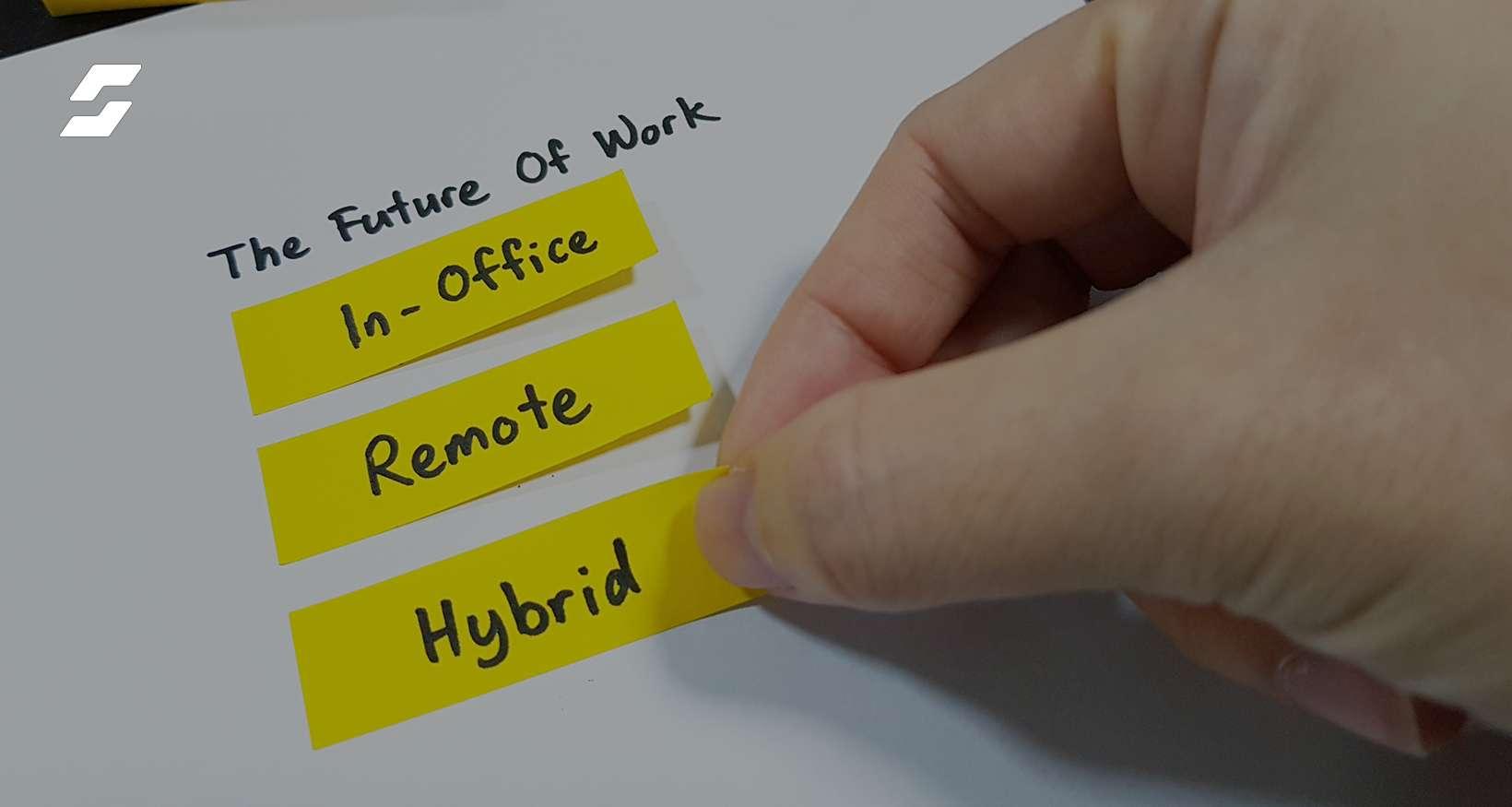
However, research shows a different reality. With 73% of employees preferring a hybrid office, it is the future of work.
If you have switched to a hybrid model recently, here are seven signs to look for.
Bonus Read: What is a hybrid workplace?
If the starting point is compliance with health safety regulations, you must maintain an optimal number of people on the floor. Managing the number through spreadsheet software is cumbersome. Besides, you will fail to capture the real-time or last-minute changes leading to inefficiencies.
A hybrid workplace software comes with inbuilt tools for desk and meeting room booking. On any given day, if there’s a chance of overcrowding, the system can stagger work hours and spread it throughout the day. Doing it manually means having a dedicated resource or team, which will spend the entire workday responding to and fulfilling booking requests (besides, they too will require seats).

The often-spoken downside of remote work is its adverse impact on productivity. A hybrid workplace would exacerbate that problem because you need to evaluate the productivity of two different sets of people – on-premise and remote workers.
Of course, you cannot use the same yardstick to measure the output of people working in two distinct environments. Depending on whether the work requires the comfort of home or distraction-free environment of an office, one group is bound to perform better than the other. Objective measurement of efficiency is nearly impossible in such conditions.
Managing a hybrid workplace without software requires resources and time. Often companies look just at the resource cost and dismiss the need for software. However, they fail to factor in the price of inefficiencies and lost opportunities. Suppose a critical meeting gets postponed to accommodate a regular standup, the opportunity cost could be huge.
Software with umpteen algorithms at work would better decide and allocate space based on the criticality. It would also send out invitations and reminders to all participants. On top of it, all participants of the other canceled meeting are also notified.
Do different teams keep complaining about not getting all their members to visit the office due to a cap on the numbers? If your current booking system is working well, you won’t face this problem frequently.
A hybrid workplace software helps teams plan meetings better by letting them know space and slot availability. It also allows remote and on-premise workers to collaborate better; by seamlessly integrating with tools like Slack and Microsoft Teams.
Lack of collaboration has side effects too. It does not inspire belongingness and eventually leads to disengagement. Most companies wanting employees back in office cite lack of belongingness as one of the reasons for reopening offices. In a hybrid workplace, when a part of the workforce will continue to work from home, the nature of the problem changes.
Also Read: How to make hybrid workplace fair for all?
People working on-premise, and interacting in-person, tend to bond better than those working virtually. Such an arrangement brings with it the risk of remote workers feeling left out of the pack – particularly those working from different cities.
Without software, it would be challenging to ensure that all your employees are meeting at regular intervals. It would also not be possible to detect any signs of disengagement. On the other hand, using a hybrid workplace software with features – like notification consoles, transparent booking systems, productivity trackers – helps keep employees engaged and aligned.
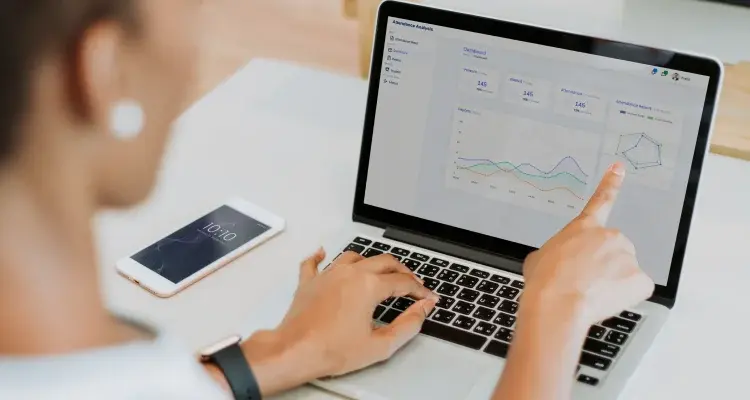
A typical administrative/operational hurdle in managing a hybrid workplace is tracking attendance, which is easier if employees are 100% remote or on-premise.
Using a hybrid workplace software allows you to bridge the gap between physical access management systems and virtual logins. It helps you keep track of attendance and also prevents overcrowding of physical spaces.
Recommended Reading: Why is office scheduling software essential?
One of the fundamental roles of technology is to automate mundane tasks that require little application of the mind, allowing humans to focus on more productive activities. If you need a small army to manage a hybrid workplace, it is time to look for a hybrid workplace software.
Regardless of the size of your business or the number of employees, you will need a hybrid workplace software to ensure more productivity.
Increasingly, companies are acknowledging the tangible benefits of hybrid working, such as reduced real estate costs, higher productivity, and improved flexibility to work. Most are likely to continue using it, even if safety regulations ease. If you are one of those businesses, you need to invest in hybrid workplace software.
A hybrid workplace software will help you further exploit the benefits of the new working model. Implementation of a hybrid workplace without software lets inefficiencies creep in sooner or later. The solution you implement should be able to spot and fix those in time.
Also Read: 4 advantages of a hybrid workplace
The world has undergone a fundamental change in the past couple of years. People and businesses must adapt to the new realities of life and work. If you thought desks, walls, doors, and a roof were necessary for running an office before COVID, add hybrid workplace software to that list.
Apart from the cost benefits, hybrid workplace software helps address several human needs too. As offices reopen, not all employees would want to return to the office. The reasons could vary from concerns about safety to the preference of WFH.
Whatever the reasons, a part of your workforce will continue to work from home, visiting the office only on occasion. Such changed dynamics have turned the hybrid workplace into a norm that will stay for years to come – regulations or no regulations.
It, therefore, makes sense to invest in hybrid workplace software now. If you are a small business, you might not need an expensive enterprise-grade tool – but you still need the software. The good news is you have plenty of options in the market today like WorkInSync. However, remember that it is a long-term investment and avoid making budget the only criterion to pick one.
If you are unsure what features to look for in hybrid workplace software, follow this space to stay updated.
 Workplace Management
24 September 2026
Compare six workplace management platforms. See what each is suited for and how to choose the right fit in 2026.
Deesha
|
4 Min Read
Read More
 Announcement
13 August 2026
WorkInSync has been recognized by Info-Tech Research Group as a Champion in the 2026 Data Quadrant for Space Management, ranking #2, and as a Champion in the Emotional Footprint, ranking #2. Both awards are published on SoftwareReviews, Info-Tech's ratings platform, where rankings are built entirely from user feedback.

Sai Riddi
|
2 Min Read
Read More
 Desk Booking Software
5 June 2026
Let’s not pretend otherwise. Somewhere in your organization, a well-meaning IT or facilities team rolled out a desk booking system. There was a demo. Someone said “seamless.” There may have been a slide with the word “frictionless” on it. Leadership nodded. Procurement signed off. And then employees quietly went back to texting each other on […]

Ujjwal Trivedi
|
6 Min Read
Read More