
 Workplace Management
24 September 2026
Best Workplace Management Software in 2026: 6 Tools Compared
Compare six workplace management platforms. See what each is suited for and how to choose the right fit in 2026.

Deesha
|
4 Min Read
Read More

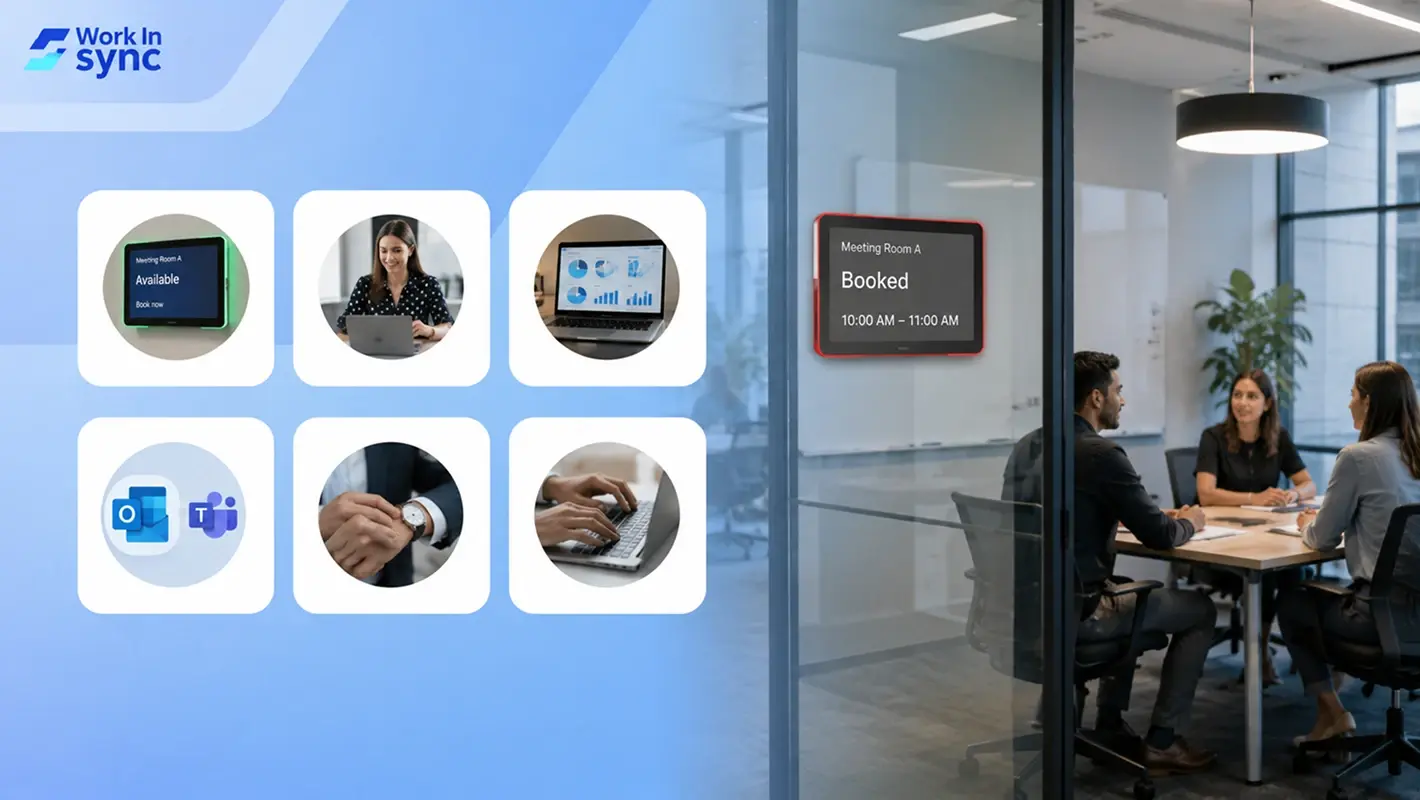
Key Takeaways
Meetings remain essential to collaboration, fast decision-making, and employee engagement, especially in hybrid setups, but poor environments in hybrid setups cost US companies $37B every year.
Digital signage outside meeting rooms helps employees locate rooms easily, displays real-time booking info, and flags unused rooms so admins can cancel ghost meetings.
No-shows can be prevented by using booking tools that auto-cancel unattended meetings, creating a comfortable space for collaboration for hybrid teams.
Tracking room usage through real-time data helps optimize capacity, reduce underutilization, and inform layout and scheduling decisions.
Connecting booking systems with apps like Outlook or Teams helps avoid double bookings and streamlines scheduling by syncing calendars and room availability.
Encouraging punctuality and responsible use of meeting rooms fosters respect, minimizes delays, and improves overall productivity in hybrid work settings.
Effective meeting room booking relies on the right tools, team training, and integration, WorkInSync offers a seamless solution to enhance workplace coordination.
Meeting room booking should be optimized for a seamless employee experience. This blog explores seven ways to optimize conference rooms with meeting room booking software and address the challenges faced.
About 25 million meetings are happening in the US alone daily. So, when it comes to collaboration, meetings are the most effective.
According to a study by Bain & Company, most employees spend 15% of their time in meetings. The number can go up to 50% for the upper management.
And all of this makes sense. In a hybrid workplace, employees come together to conduct meaningful discussions and fast-track the decision-making process.
Therefore, the significance of meetings has increased.
However, executives and employees see 67% of those meetings as failures. Why do you ask? Well, unfortunate management of meeting room bookings is one.
Be it double booking, no-shows, failed equipment, or lack of software, several hindrances cause meetings to fail. Now this affects the productivity of employees.
Discover proven ways to eliminate confusion and reclaim control over your meeting spaces.
Worse yet, The US Bureau of Labor, in one of its studies, reported that poor meeting environments lead to a loss of $37 billion annually.
But all hope is not lost. The good news is that there are ways to make the meeting room bookings better. With the right technology, you can make your meetings productive and effective.
Here are seven ways to help you improve the meeting room booking experience and overcome the challenges.
A report showed that employees face difficulty finding and booking meeting spaces 27% of the time. Most of the time, employees rely on others to find a meeting room. And these can be last minute.
However, if you want to optimize your meeting room bookings, you need to deploy robust conference room scheduling software.
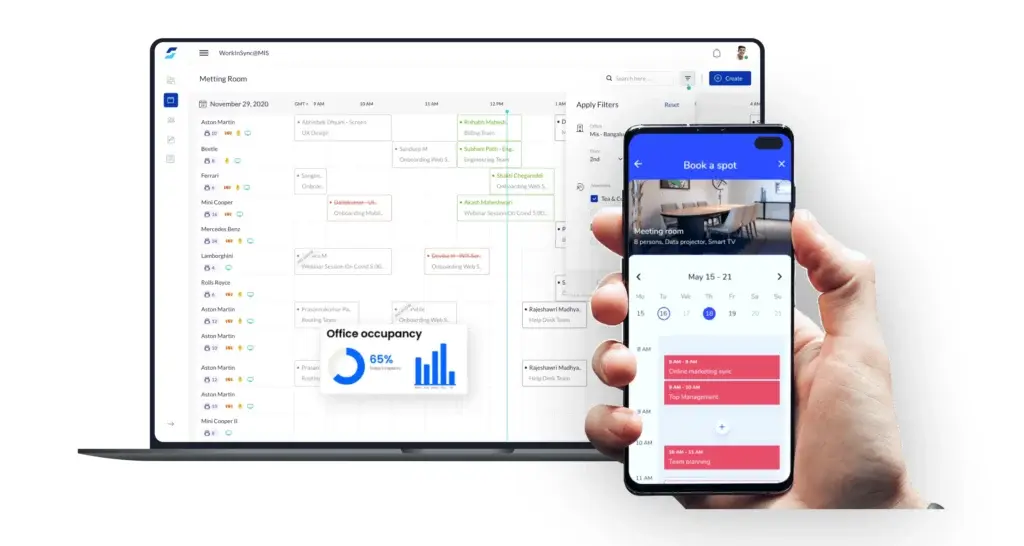
Such solutions streamline reserving meeting rooms, and it simplifies the method of looking for spaces. These solutions list out the meeting rooms in a centralized dashboard.
So, employees can see which rooms are available at what time. This also reduces the errors often associated with meeting room scheduling.
Such a system updates the employees immediately when a booking is made. If there are changes in the meeting time or location, it informs the attendees.
This helps eliminate confusion and optimizes the meeting room booking process by ten folds.
Bonus Read: What is a Meeting Room Booking Software?
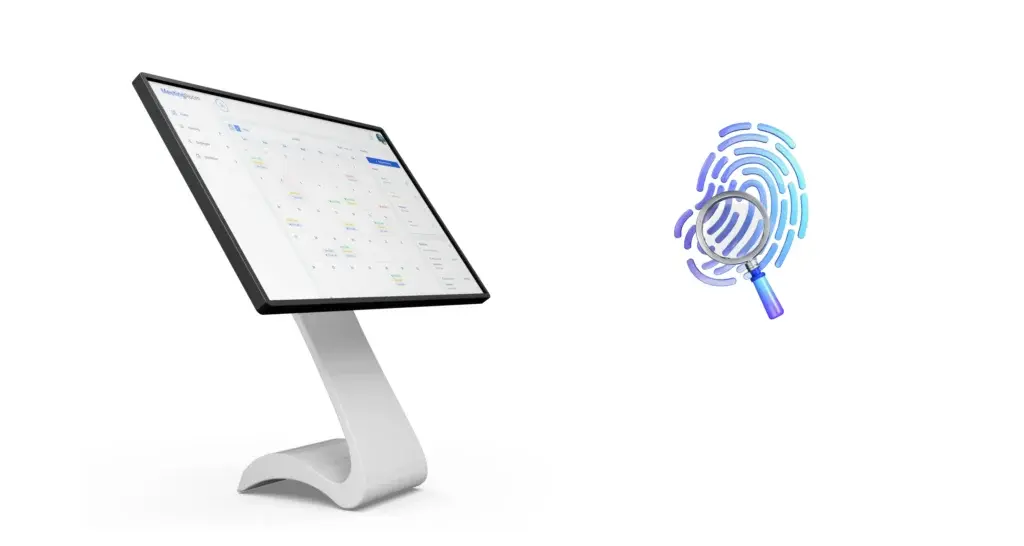
When you enable digital signage for your meeting room bookings, you help your employees get oriented with the physical space. Your employees can easily find these places combined with unique meeting room names.
Also, digital signs outside each room can help notify employees about the place of the event. It can also display the name of the person who made the booking, the timings of the meeting, and the number of attendees.
So, if the room is booked but remains unoccupied, managers can reach out to the employees and cancel the bookings.
This is particularly essential if you struggle to manage your meeting room bookings. Most organizations have a no-show average of 20-35%. This number is relatively high and contributes to a significant increase in costs.
Imagine someone else wanted to use the meeting room, but it remained unavailable at the time. So the room sits idle. Now, that is a waste of real estate.
Recommended Reading: Pros & Cons of Meeting Room Booking Software
Therefore, it is essential to prevent no-shows. And to do this, you need meeting room booking software. With such a solution, the meeting room becomes available automatically if no one shows up after a specified time.
This will free up the meeting room and ensure that no bookings are wasted.
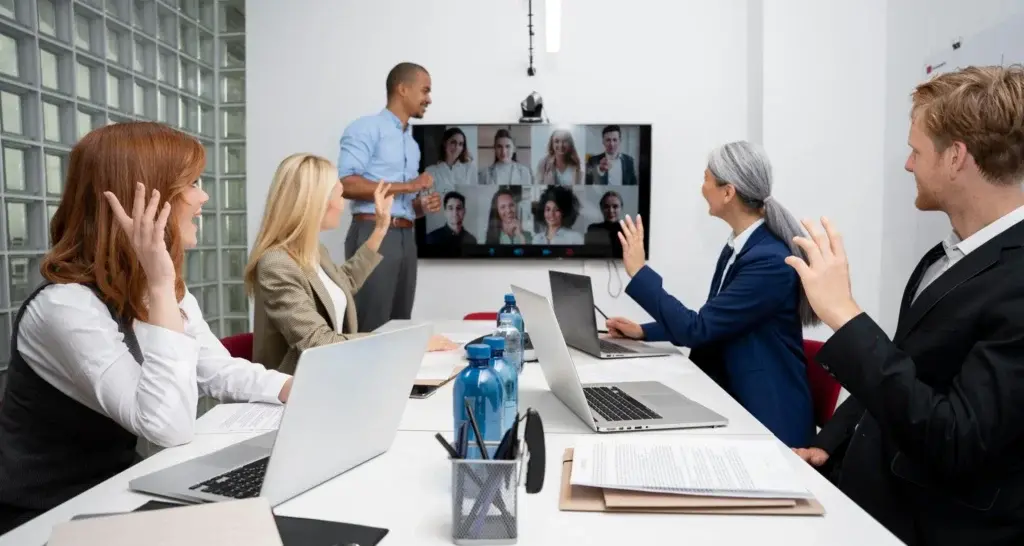
A hybrid workplace is characterized by its collaborative nature. Employees prefer hybrid work models because it is easy to collaborate with other team members regardless of their location.
A conference room is a suitable space to begin. It ensures that you can collaborate without any interference.
With meeting room booking software, you can improve the experience, especially for remote workers. For instance, a robust video conferencing solution and equipment will help remote employees feel physically present.
For on-site employees, the meeting rooms should have comfortable seating. Other amenities like a projector, whiteboard, or provisions for beverages and snacks can allow them to be more focused.
To optimize your meeting room bookings, you need to create a comfortable, collaborative space.
Also Read: Conference Room Reservation Guide
AI-powered booking, real-time availability, and smart insights, get it all with WorkInSync.
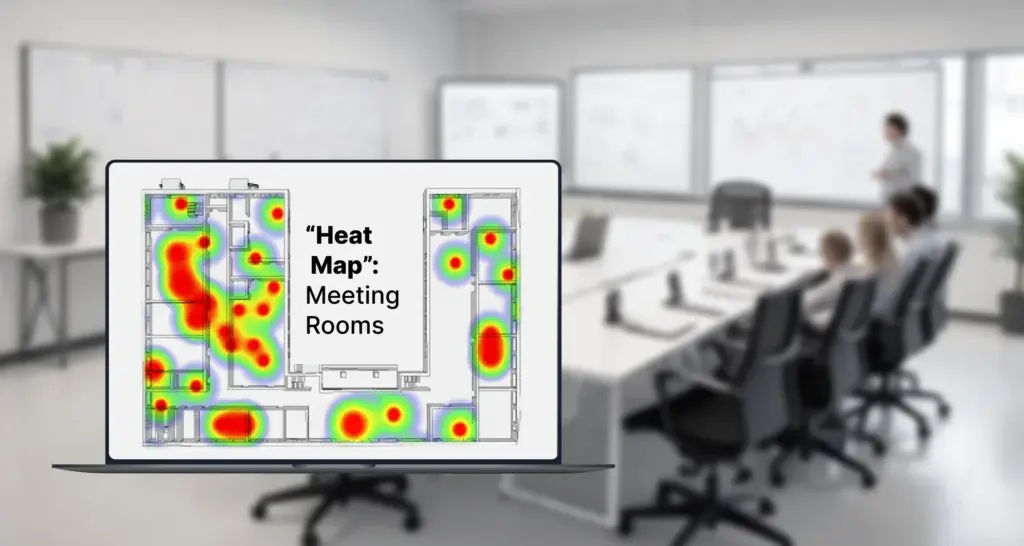
If you want to optimize the use of your meeting rooms, you need to know how your meeting rooms are being utilized.
Are employees more inclined towards booking a particular conference room? Does a few conference rooms remain empty most of the time? Are the small and big conference rooms being used at the same capacity?
Such metrics can help you with similar questions. And looking at the larger picture can be instrumental in optimizing the meeting rooms.
Install a meeting room booking software and automatically track such metrics. This may include room occupancy, room usage, the time of occupancy, attendees, booking schedules, no-shows, and much more.
By tracking the metrics in real-time, you can optimize the meeting room space utilization.
Okay, this one goes without saying. But your meeting room booking software should integrate seamlessly with other communication apps like Microsoft Teams, Outlook, Google Calendar, and more.
If you wonder why this is essential, the answer is quite simple. With this, you improve the employee experience. Your employees can sync their calendars and have clarity about their colleague’s schedules.
Bonus Read: WorkInSync is Available on Microsoft Teams
It is also helpful to track room reservations, avoid double bookings, and manage meeting spaces better.
A meeting room booking system that sits in a silo is of no use to your organization. Facility management is all about making every touchpoint in the office smooth.
By integrating your meeting room management solution with other existing apps, you just optimize your office management.
Workplace meeting etiquette matters more than we credit it for, especially in a hybrid workplace, where employees are scattered across different locations.
For instance, you were scheduled to join a meeting at 3 PM. However, you failed to do so. Your employees are already waiting for you. You came late, and the meeting stretched beyond the prescribed time.
You know that it wasted a lot of time. And somewhere, it may have also affected your employees’ productivity.
Simple actions like starting the meeting on time or closing the meeting room door can go a long way. When you book a meeting room, you ensure no interruptions. These are simple ways to show respect towards others.
If you want to optimize your meeting room bookings, you need to ensure that you and everyone follow proper etiquette.
To optimize your meeting room bookings, you need to follow the steps mentioned above. Remember that your goal is to create a smooth experience that makes meetings easy and productive.
Having the right meeting room booking software will help you improve how you conduct your meetings, ultimately elevating the workplace experience.
Are you looking for a reliable solution? WorkInSync is the ultimate cloud based hybrid workplace solution. Book rooms and hot desks and manage office spaces with optimal clarity with WorkInSync. Opt for a demo to learn how the solution works for you.
You can also subscribe to our blogs to get regular updates on meeting room bookings and more.
 Workplace Management
24 September 2026
Compare six workplace management platforms. See what each is suited for and how to choose the right fit in 2026.
Deesha
|
4 Min Read
Read More
 Announcement
13 August 2026
WorkInSync has been recognized by Info-Tech Research Group as a Champion in the 2026 Data Quadrant for Space Management, ranking #2, and as a Champion in the Emotional Footprint, ranking #2. Both awards are published on SoftwareReviews, Info-Tech's ratings platform, where rankings are built entirely from user feedback.

Sai Riddi
|
2 Min Read
Read More
 Desk Booking Software
5 June 2026
Let’s not pretend otherwise. Somewhere in your organization, a well-meaning IT or facilities team rolled out a desk booking system. There was a demo. Someone said “seamless.” There may have been a slide with the word “frictionless” on it. Leadership nodded. Procurement signed off. And then employees quietly went back to texting each other on […]

Ujjwal Trivedi
|
6 Min Read
Read More