
 Workplace Management
24 September 2026
Best Workplace Management Software in 2026: 6 Tools Compared
Compare six workplace management platforms. See what each is suited for and how to choose the right fit in 2026.

Deesha
|
4 Min Read
Read More

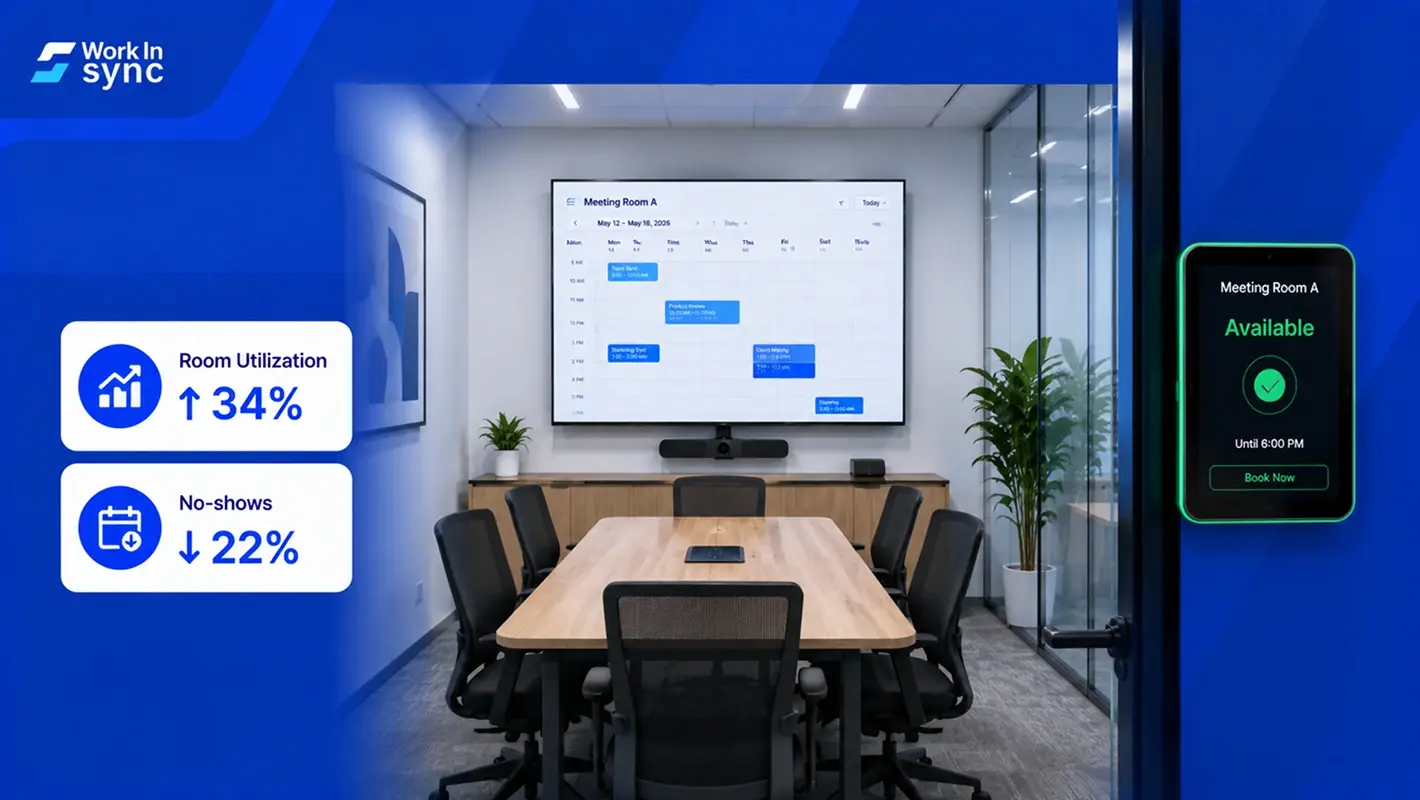
Key Takeaways
Choose Between Built-in Tools and Dedicated Solutions – IT managers can opt for basic booking tools integrated into platforms like Microsoft Outlook or Google Calendar, or choose advanced solutions like OfficeSpace, Robin, or Skedda for more robust room scheduling needs.
Prioritize Key Features for Efficiency – Essential features to look for include real-time room availability, mobile access, analytics, user-friendly interfaces, and integrations with existing tools like Slack, Teams, and Google Workspace.
Evaluate Organizational Needs Before Investing – Consider factors like scalability, budget, support, security compliance, and the level of customization required to ensure the software aligns with both IT and company-wide requirements.
Today, meeting room booking software forms the centerpiece of a hybrid workspace. In a Gensler survey, 50% of respondents said meetings are the main reasons for returning to the office. Even otherwise, people running around to find meeting space or requesting for one wasn’t an all too unfamiliar sight.
As offices reopen, most companies are looking for a solution that suits their changing needs in the post-pandemic world. Concurrently, the workplace management software providers are also upping their game.
With the rising demand, several options have popped up in the market. Most of these solutions look great on paper and offer similar features. When you are out in the market, picking one could be overwhelming. We will try and make it easy for you.
Working in an office without meeting room booking software is a challenge for everyone. And COVID-19 has only amplified the problems. Following are a few that most people can relate to:
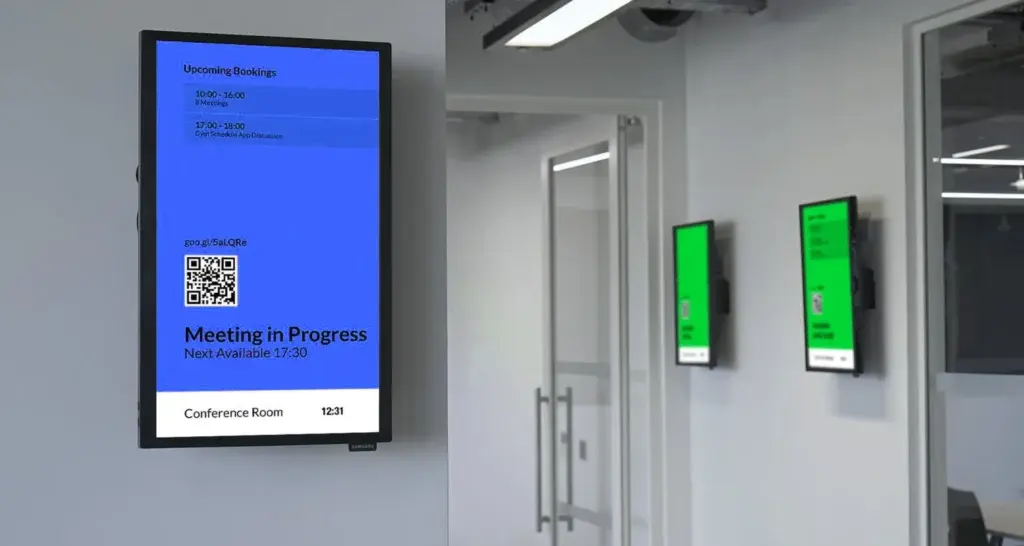
You are in the middle of an important meeting, possibly handling a crisis, and then the door opens, followed by a “Excuse me… when is the room available?”
Apart from increasing your stress levels, such interruptions also hamper productivity. A meeting room software with digital signage on the door could help you avoid it to a fair extent.
Bonus Read: Why You Need a Meeting Room Booking Software?
Ad hoc meetings require no introduction. People find a room, and occupy it just when you are about to start your weekly review. Frustrating? Yes. Avoidable? Definitely yes.
Digital signage or a smartphone app can help people check the availability before occupying it. Alternatively, one can also quickly scan for other options available.
To err is human. And so, you find two critical meetings booked for the same time and room. A meeting room booking software helps you avoid such time and location conflicts.
We all have that one meeting on our calendar that never happens but keeps a room booked for that hour. Without a meeting room booking software, workplace managers have no clue whether to keep the space reserved for that one odd exigency.
The list of features could be virtually endless. Listed below are a few essentials:
List available conference rooms, scheduled meetings, and other details like who has booked it and what equipment is required
Allow users to book available conference rooms, send invitations, and make modifications to details.
Provide multiple access levels. For example, workplace managers should be able to allocate or revoke user permissions. They should also have an insight into room usage, resource, and meeting details.
Ability to sync with calendar applications like Google or Outlook calendars
Also Read: A Meeting Room Booking Software Should Have These Features
The choice of meeting room booking software differs with business, office space, and even the types of meeting you generally have. Even as the needs differ, few solutions stand out for the convenience they offer. We have listed the top 5 meeting room booking software.
Ping is a meeting room booking software with a straightforward interface. It offers some basic features like room management, check-ins, and a mobile web app. You need to be a paid user For basic integrations like G Suite, Office 365, iCloud, and using the in-built analytics tool.
Enterprise users get a solution that complies with custom security requirements
Image broken
WorkInSync is a cloud-based workplace experience SaaS platform which specializes in converting conventional offices into hybrid workplaces. Its meeting room booking feature makes your workplace experience frustration-free and flexible. It helps employees save time by enabling booking of meeting rooms in advance through Google and Outlook Calendar.
WorkinSync’s solution with its interactive maps also makes it easy to find and book meeting rooms to maximize available space. What makes it an attractive solution is that it offers a complete suite of solutions – making integration easier.
Its other solutions include – employee scheduling, desk booking, contactless access management, visitor management, attendance management. The best part? It combines all these solutions (and more) into a single SaaS platform. Thereby helping organizations avoid hassles of third-party integration and ensuring a quick transition.
Also, it offers a 6-months free trial for organizations with less than 50 employees.
Condeco is a well-known name in the workspace scheduling software industry. While it is in no way limited to Condeco, it is one of its strengths. Its meeting room booking software offers several features. One of Condeco’s main talking points is the management of virtual and hybrid meetings.
Its other strength is flexibility. You can move meetings or swap rooms when required. It also enables the extension of meeting that stretches beyond fixed schedules.
Additionally, Condeco lets you set up the room type as self-serve, managed, or blind managed. It helps people decide on using the room the right way. For example, if you have a high-value external meeting, you can choose a ‘managed’ room with personnel available on call.
MIDAS room booking software is available as both cloud-hosted SaaS and as an on-premise solution. You can access it through a web browser from anywhere. However, it is not a pure-play room booking player; it is one of the many other solutions it offers. Its other offerings include staffing and equipment scheduling, send booking confirmations, reminders, and invoices to clients.
So, if you are looking for a room-booking software expert, you might want to consider other solutions.
Smartway2’s strength is its easy integration with Outlook and Office 365. It claims to have a robust predictive analytics tool to help improve your ROI by reducing resource wastage.
However, navigating through the software and exploiting its full potential could require some training. That’s what user reviews say!
Also Read: Conference Room Reservation System: Detailed Guide
Transform your workplace operations with comprehensive solutions including desk booking systems for flexible seating, meeting room booking platforms for efficient space utilization, visitor management tools for secure guest experiences, and parking management solutions that optimize facility resources and enhance employee convenience. |
When offices operated on full strength, the bigger ones too struggled to manage meeting room bookings.
As office spaces have shrunk, social distancing norms limit the number of people in the meeting room, and a part of the workforce is always remote, the challenge is different. It is also much more prominent.
The post-pandemic changes have turned meeting room booking software into a need. Not just big corporates, even smaller offices need a meeting room booking software – because ‘meetings’ are the only time you connect with others at work.
With the role of meetings transforming, it only makes sense for companies to invest in making the entire process more efficient. With the right booking software, you could start seeing impact almost immediately.
Subscribe to our WorkInSync blog to stay updated on evolving trends in meeting room booking software.
 Workplace Management
24 September 2026
Compare six workplace management platforms. See what each is suited for and how to choose the right fit in 2026.
Deesha
|
4 Min Read
Read More
 Announcement
13 August 2026
WorkInSync has been recognized by Info-Tech Research Group as a Champion in the 2026 Data Quadrant for Space Management, ranking #2, and as a Champion in the Emotional Footprint, ranking #2. Both awards are published on SoftwareReviews, Info-Tech's ratings platform, where rankings are built entirely from user feedback.

Sai Riddi
|
2 Min Read
Read More
 Desk Booking Software
5 June 2026
Let’s not pretend otherwise. Somewhere in your organization, a well-meaning IT or facilities team rolled out a desk booking system. There was a demo. Someone said “seamless.” There may have been a slide with the word “frictionless” on it. Leadership nodded. Procurement signed off. And then employees quietly went back to texting each other on […]

Ujjwal Trivedi
|
6 Min Read
Read More